

Story Mode
AI builds coherent story scenes based on your lyrics. This mode works well for longer MV clips that follow the narrative of a song.
 EN
EN
Click to upload or drag and drop
Turn audio into lyric, lip-sync, and story-driven music videos in seconds.
MakeBestMusic offers an intuitive AI music video creator that converts finished tracks into high-definition visual stories. Upload or select a song, choose a character and visual style, pick Story or Lip Sync mode, set resolution and aspect ratio, then generate and download a shareable MV without a complex production pipeline.
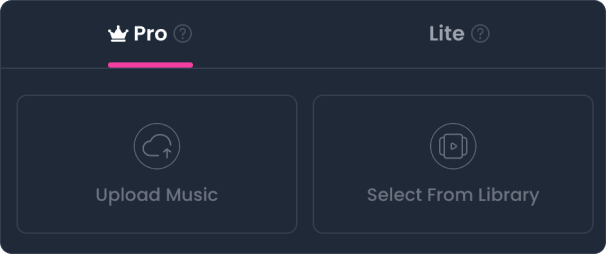
Our AI music video maker offers two generation modes based on your subscription access and the type of video you want to create.
Pro Mode is available to users with an active subscription. It provides Story and Lip Sync creation modes with a curated selection of visual styles, and it is designed for creators who want more control over the character and narrative of an MV.
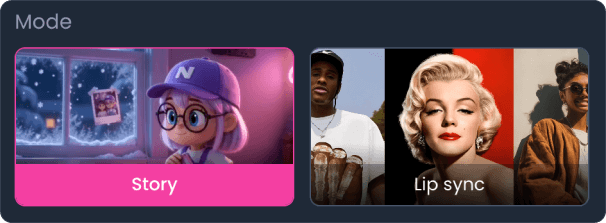
AI builds coherent story scenes based on your lyrics. This mode works well for longer MV clips that follow the narrative of a song.
AI creates a performance video using your selected character. This mode works well for shorter MV clips with a lip-synced performance.
Lite Mode is available to current and past subscribers. It pairs background visuals with synchronized lyrics to create a clean lyric MV, which is a practical option for everyday sharing and listening.
Use Lite Mode as an AI lyric video generator: select a song, choose a visual background, and create a music video with synchronized lyrics.
| Feature | Pro Mode | Lite Mode |
|---|---|---|
| Access | Available to users with an active subscription | Available to current and past subscribers |
| Creation Modes | Story Mode and Lip Sync Mode | Synchronized lyric video |
| Visual Styles | Curated visual style selection | Uploaded media or curated templates |
| Character Control | Custom character upload or system defaults | Not required |
| Resolution | 720p or 1080p | Per-generation output |
| Pricing | 40 Diamonds per second (720p); 60 Diamonds per second (1080p) | 40 Diamonds per generation |
Follow this guide to make a music video with AI using MakeBestMusic.
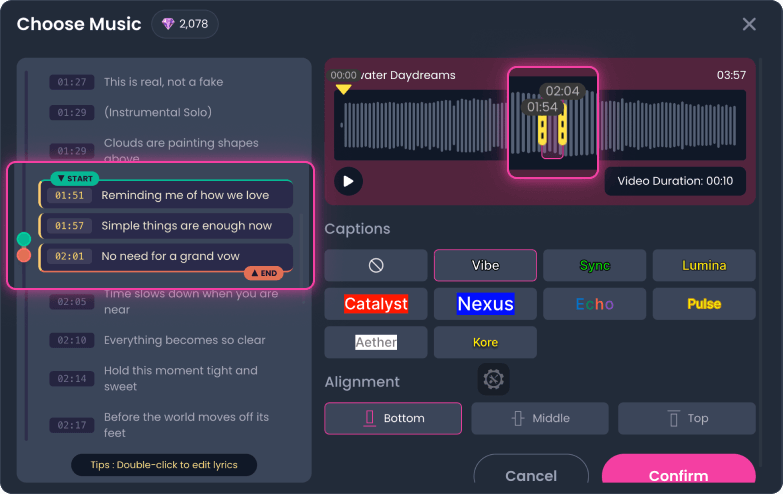
Choose your track, then drag the lyrics on the left or use the audio slider at the bottom to select your desired MV clip. Review your lyrics for accuracy and click any line to edit; changes save automatically when you click outside the box. Optionally, configure lyric visibility, display effects, and screen alignment (Top, Middle, or Bottom).
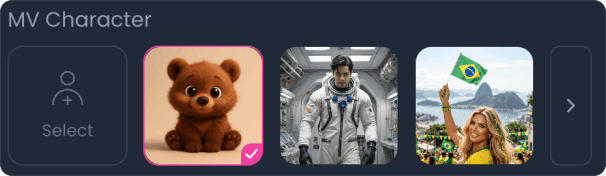
Upload a custom character photo or pick a system default option. For best results, upload images containing a single person. If your photo features multiple people, specify the main character in your prompt; otherwise, one will be selected at random.
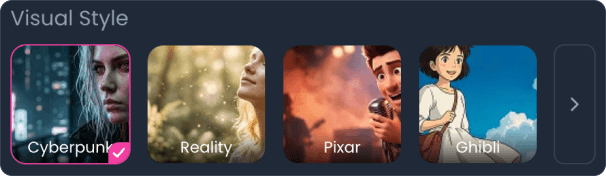
Choose a curated visual aesthetic from the style options provided below that fits your song's genre and atmosphere.
Choose between Story Mode for lyric-driven narrative scenes or Lip Sync Mode for character-driven performance clips.
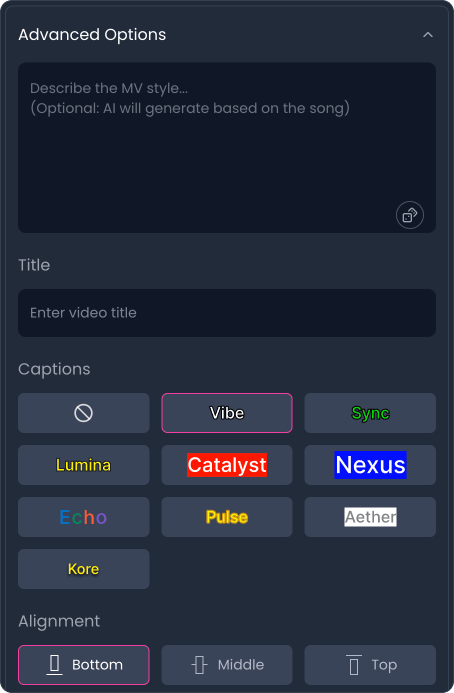
Customize your creation further by entering custom prompts (leave blank to let AI generate the best prompt based on lyrics), setting an MV title, or adjusting caption styling and alignment.
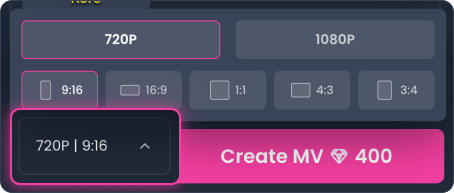
Select your desired aspect ratio (9:16 is default) and video quality (720p or 1080p) before starting the generation process.
Select your song and clip, following the same flow as Pro Mode.
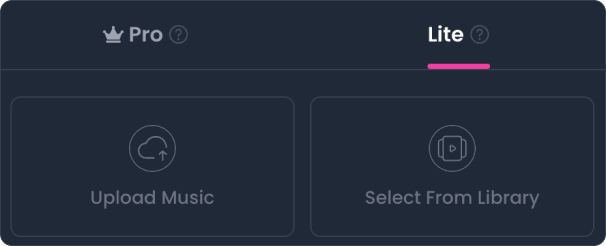
Choose a visual background for your AI music video. You can upload your own image or MP4 video up to 50MB, or select from curated templates. Check "Hide cover" to remove the song cover from your video when needed.
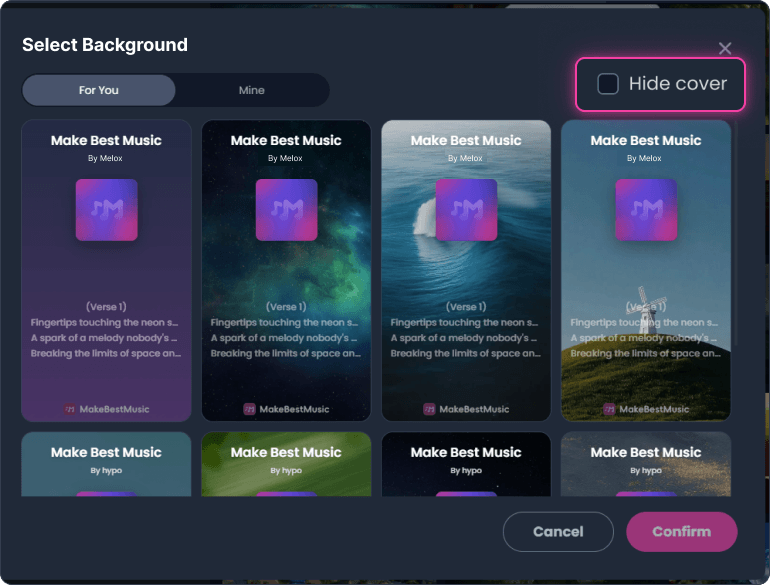
Lite Mode is billed per generation, rather than by video duration, at 40 Diamonds per generation.
Ready to bring your audio tracks to life? Start using our AI music video generator on MakeBestMusic and convert your music into high-definition visual MVs.
