- 0 PROJECTSDURATION語音模型
語音轉音樂:用AI從你的聲音創作歌曲
將語音轉換為音樂示例
lonely(Justin Bieber - Original Song)

lonely
孤獨(布蘭妮·斯皮爾斯 - 翻唱歌曲)
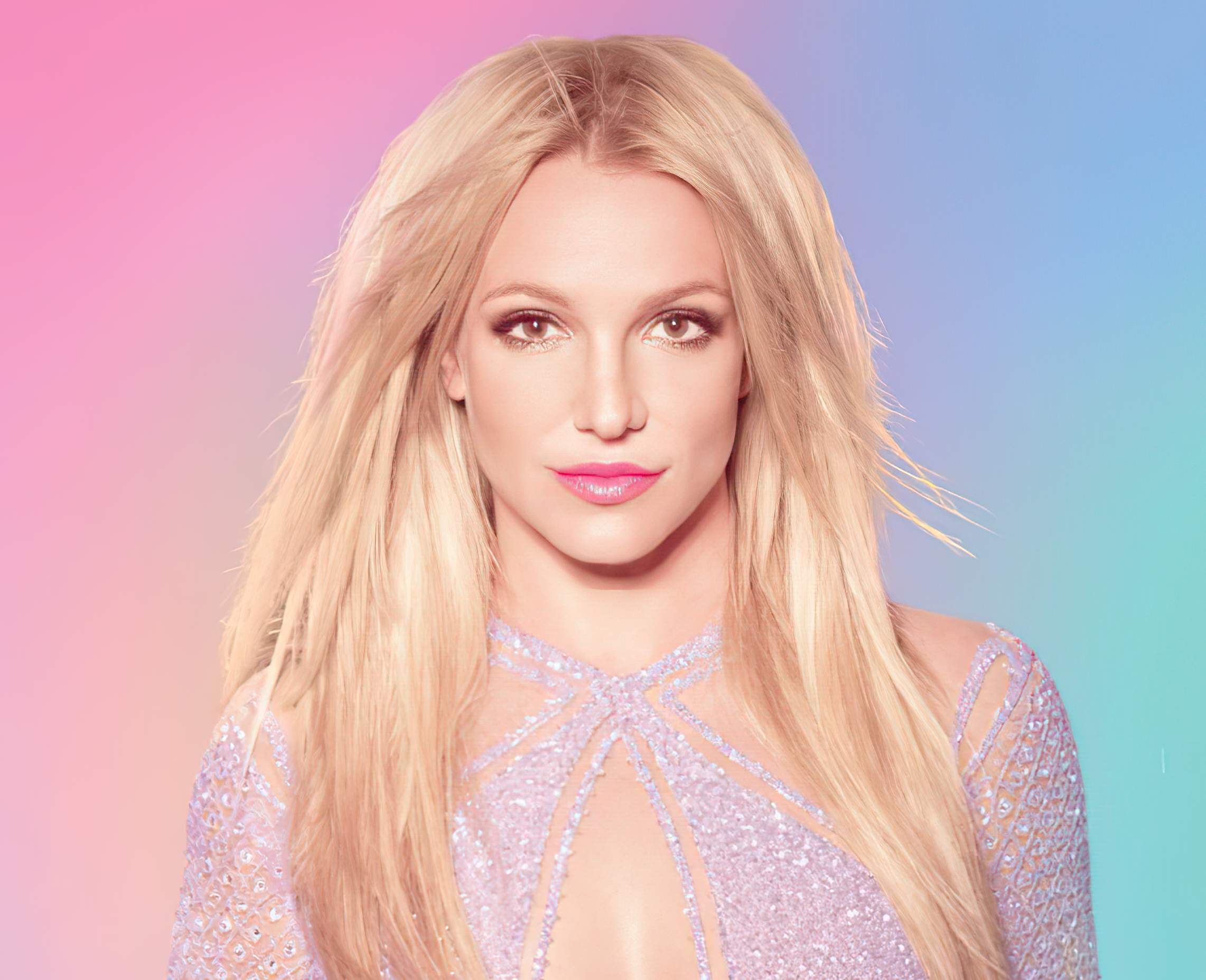
孤獨
So Far Way(Martin Garrix - Original Song)
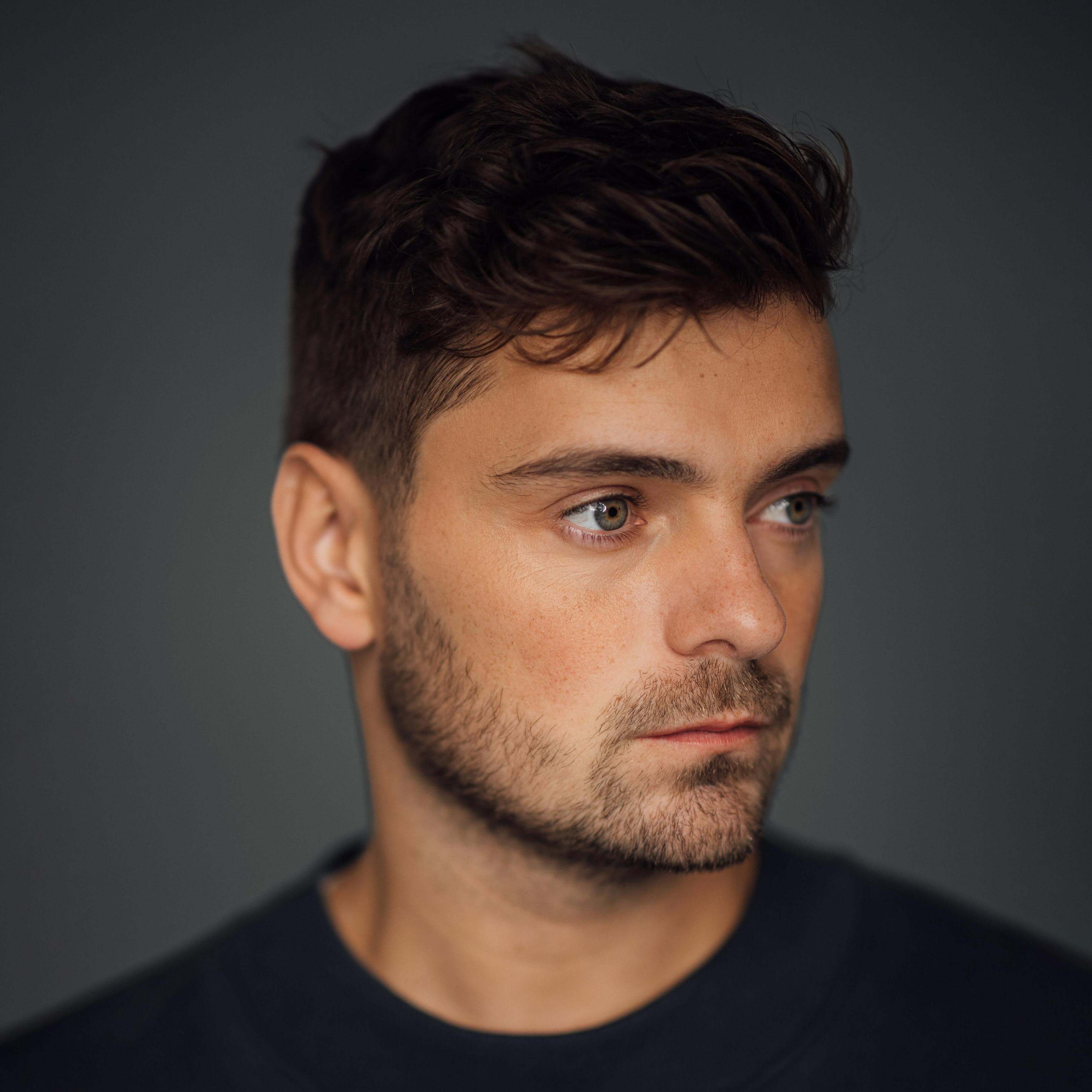
So Far Way
So Far Way(Ed Sheeran - Cover Song)

So Far Way
Never Know(Jack Johnson - Original Song)
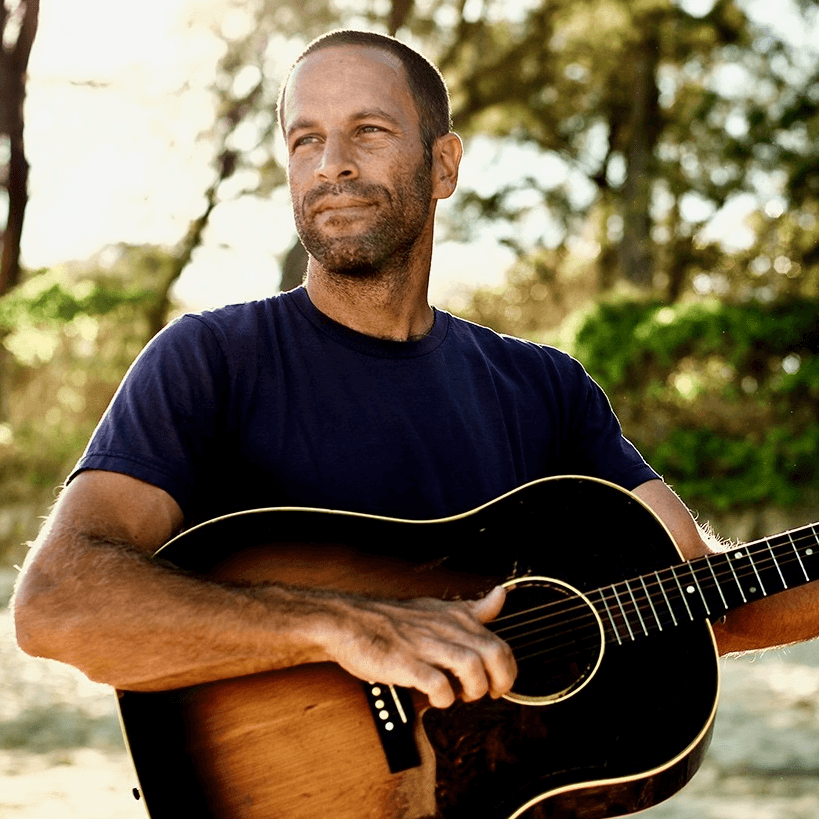
Never Know
Never Know(IU - Cover Song)
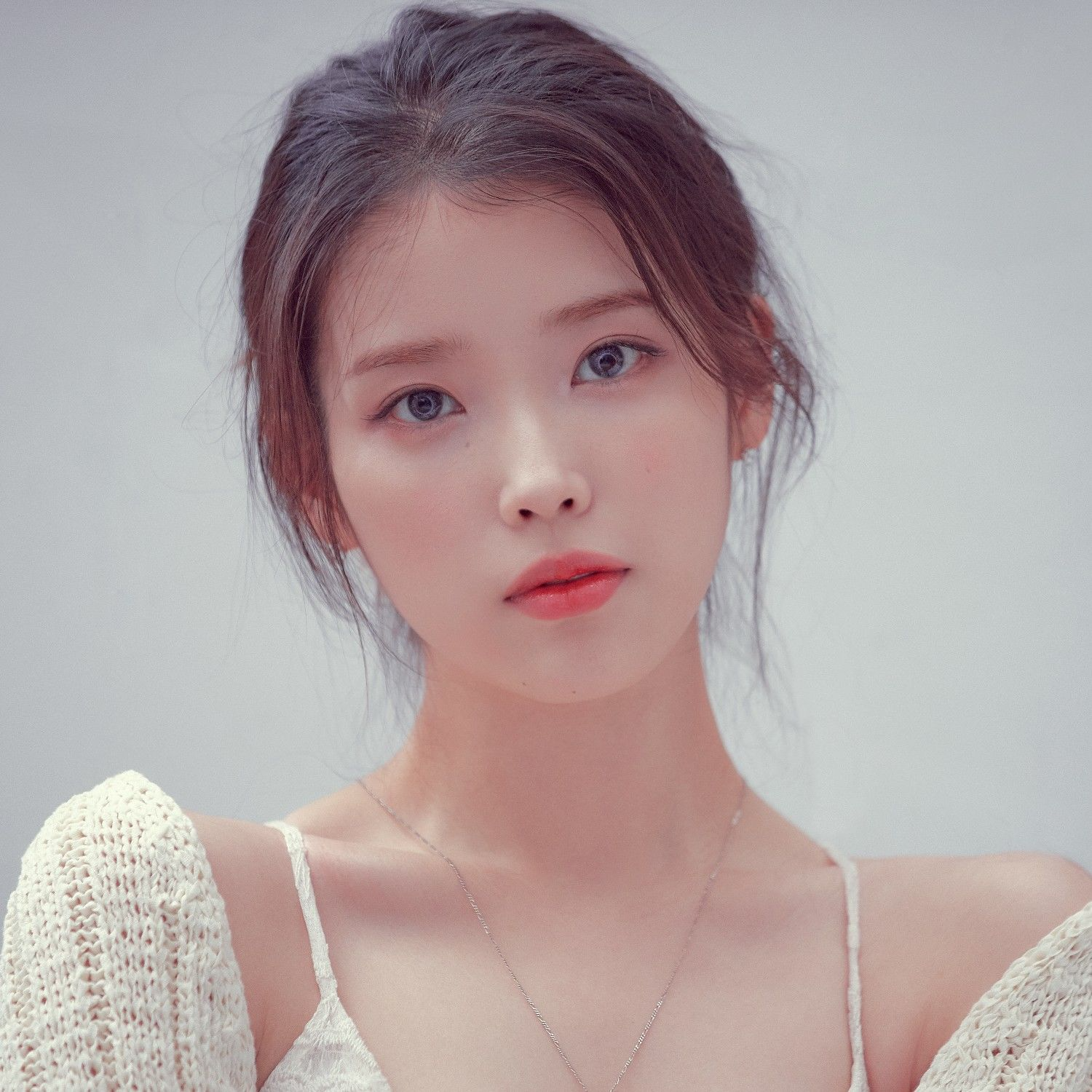
Never Know
立即把你的聲音變成音樂
將任何聲音瞬間轉化為專業音樂音軌。無需錄音室,無需樂器。
數百種現成音色
瀏覽我們涵蓋各種音樂風格的免版權聲音庫。流行、搖滾、爵士、古典——總有一款聲音適合你的作品。只需選擇一個,即可開始創作。
上傳你自己的聲音
錄下你唱歌或哼唱的聲音,我們的 AI 便會學習你獨特的風格。在保留你原有聲線的同時,探索全新的音樂可能性。唱出你從未唱過的音高、用不同語言演唱,或與自己創作和聲。
常見問題
如何將聲音轉換為音樂
上傳你的音頻或直接在我們的平台上錄製。選擇一種風格,幾分鐘內就能得到一首完整的歌曲。
可以將我的聲音轉化為樂器嗎
是的。哼唱一段旋律,將其轉化為吉他、鋼琴、鼓或任何你想要的樂器。
我需要音樂經驗嗎
不,只要你識哼唱,你就可以創作音樂。我們的語音轉音樂工具會處理技術部分。
我可以用這個做什麼
音樂創作、視頻背景、遊戲音效、配音——無論您需要什麼定制音頻。
這些聲音可以免費使用嗎
我們所有的AI語音均無版權。在任何項目中使用它們,無需擔心授權問題。
我可以分享我創作的內容嗎
由你聲音創作出的音樂作品完全屬於你。可上傳至 Spotify、用於商業用途,或與朋友分享——一切由你決定。
Your voice is your most personal musical instrument. This guide shows you how to convert voice to music using simple steps. You'll learn to transform voice recordings into melodies, rhythms, and full songs. Whether you're a singer or new to music production, these techniques help you create music without confusion.
Getting Started: Essential Setup
Basic gear you need:
- Microphone (Audio-Technica AT2020 or Shure SM58)
- Closed-back headphones (Audio-Technica ATH-M50x)
- Audio interface (Focusrite Scarlett)
- Quiet recording space with blankets or absorbers
Choose your DAW:
- Ableton Live: Great for looping and real-time voice to MIDI
- Logic Pro: Excellent vocal editing and software instruments
- FL Studio: Fast pattern-based arranging
- Pro Tools/Studio One: Professional editing capabilities
Recording tips: Stay 6-8 inches from your mic. Record multiple takes with a click track for timing. Keep background noise minimal and audio levels clean.
Voice to Music: Core Techniques
Convert Voice to MIDI
Start by humming melodies or beatboxing rhythms. Use pitch detection tools to convert your voice into MIDI notes that control virtual instruments. Keep recordings short for easier editing and more accurate conversion.
Popular voice-to-MIDI tools:
- Dubler 2 and Vochlea: Train the software to recognize your voice patterns
- DubNote: Captures melody shapes for detailed MIDI editing
- Built-in DAW tools: Most modern DAWs include basic audio-to-MIDI conversion
Transform Voice into Instruments
Map your singing voice to virtual instruments like piano, strings, or synths. Adjust settings like legato and modulation to match your vocal expressiveness. Even beatbox sounds can become realistic drum tracks with proper MIDI mapping.
Build Harmony and Layers
Create choir effects by duplicating your vocal melody and adjusting harmonies. Use chord progression tools like Scaler 2 or Captain Chords to turn hummed melodies into full chord progressions. Layer multiple takes for broader, more professional sounds.
AI Music Tools vs. Traditional Methods
AI singing voice generators work great for quick vocal drafts and exploring different styles without needing multiple singers. Use them for initial ideas, then refine with your personal touch.
Voice transcription tools preserve your unique vocal character while converting to MIDI. This approach keeps the human feel in your music while giving you the flexibility of digital instruments.
Best practice: Combine both methods. Use AI for rapid ideation, then apply traditional recording and editing for your final tracks.
Professional Production Techniques
Clean Audio Editing
Use your DAW's comping features (Logic's Quick Swipe, Ableton's take lanes) to blend the best parts of multiple vocal takes. For tuning, try Celemony Melodyne or Antares Auto-Tune with subtle settings to maintain natural character.
Clean up recordings with iZotope RX to remove sibilance and background noise. Adjust vocal levels before adding compression to keep breathing sounds natural.
Voice as Sound Design
Load vocal snippets into samplers like Ableton Simpler or Logic Sampler. Transform your voice into pads, leads, or percussion using filters, envelopes, and modulation. Try formant shifting and vocoding with tools like iZotope VocalSynth for unique textures.
Beatbox to Drums
Convert beatbox recordings to MIDI, then assign realistic drum sounds to each element. Use parallel compression and saturation to make drums punch through the mix. Apply sidechain compression so bass ducks with the kick drum for tight, dynamic rhythm.
Song Arrangement
Structure your voice-to-music creations with clear verse-chorus contrast. Keep verses lighter so choruses stand out. Use automation for effects like delays and filter sweeps to add movement without clutter.
Let vocal melodies guide instrumental parts rather than compete with them. If arrangements feel busy, simplify or change the pitch of conflicting elements.
Quick Workflow for Voice to Music
- Record clean voice ideas - hums, beatbox, or sung melodies
- Convert to MIDI using your chosen tools
- Map to instruments - assign melodies to synths, beats to drums
- Add harmony layers using chord tools or additional vocal takes
- Arrange and structure with verse-chorus dynamics
- Mix and polish with EQ, compression, and effects
- Export stems at 24-bit/48kHz for collaboration
Creative Tips and Shortcuts
Capture ideas fast: Use your phone to record spontaneous melodies, then transfer to your DAW later.
10-minute writing sprints: Set a timer and create complete ideas quickly. Limit your tools to avoid overthinking.
Use royalty-free samples: Combine with your voice-to-music creations for fuller arrangements without licensing issues.
Loop and expand: Take your catchiest 4-8 bar sections and build full songs around them.
Collaboration and Sharing
Export stems clearly labeled with tempo and key information. Use cloud services or platforms like Splice Studio for remote collaboration. Keep detailed notes about your voice-to-music process for easy updates and consistency across versions.
When sharing demos, include both the raw voice recordings and the final musical arrangements so collaborators understand your creative process.
FAQ
How do I start turning voice to music as a beginner? Record a clean voice note of a melody or beat. Upload to your DAW and use built-in audio-to-MIDI conversion. Add virtual instruments and arrange into a simple song structure.
What's the difference between AI voice generators and transcription? Transcription keeps your voice's character in the instruments. AI generators create new vocal performances from MIDI. Use transcription for authentic sounds, AI for quick vocal ideas.
Can beatbox really become professional drums? Yes. Convert beatbox to MIDI, assign realistic drum samples, then use compression and EQ to make them punch. Many hit records use this technique.
Which DAW works best for voice to music conversion? Ableton Live excels at real-time MIDI and looping. Logic Pro has superior vocal editing tools. FL Studio works great for pattern-based beats. Choose what feels comfortable - they all handle voice-to-music conversion.
How do I avoid losing my voice's character when converting to MIDI? Use light quantization and preserve timing variations. Tune subtly and keep expressive elements like vibrato. The goal is enhancement, not replacement.
Your voice contains unlimited musical possibilities. With the right tools and techniques, you can transform any vocal idea into professional-sounding music. Start simple, experiment freely, and let your creativity guide the process.