

Yes AI Can Create Original Music and You Can Start Today
Can AI create original music? The short answer is yes. Modern AI systems compose melodies, arrange full instrumentation, generate human-sounding vocals, and deliver mastered audio from a short text prompt. The generative AI music market was valued at $642.8 million in 2024 and is projected to reach $3 billion by 2030, growing at nearly 30% annually. That trajectory reflects real adoption by creators, businesses, and independent artists who are putting these tools to work right now.
But here is the nuance most articles skip: originality is not a binary switch. It exists on a spectrum, and where you land on that spectrum determines both the creative quality of your output and how much the final piece feels like yours.
The Short Answer to Whether AI Music Is Truly Original
AI does not copy existing songs. It learns statistical patterns across rhythm, harmony, instrumentation, and song structure from massive datasets, then generates entirely new audio based on those learned distributions. The result is a statistically novel combination of musical elements, which is why each ai track qualifies as an original composition rather than a remix or a sample.
Think of it this way. When you ask whether can ai make better music than humans, you are really asking about a range of creative involvement:
- Fully AI-generated — You type a prompt, the system delivers a complete song with vocals, arrangement, and production. Fast and accessible, but you are a selector rather than a creator.
- AI-assisted composition — You write lyrics, choose chord progressions, direct the arrangement, and use AI to handle production tasks. The creative decisions remain yours.
- AI as instrument — You treat the tool like a synthesizer or a session musician, generating specific elements (a bass line, a drum pattern, a vocal harmony) that you arrange within your own larger vision.
The creators getting the most compelling results treat AI as a creative partner on a spectrum, not a replacement. The more human intentionality you invest, the more original and distinctive the output becomes.
Do artists use AI to write songs? Many already do. Producer Timbaland has called platforms like Suno "next level" and uses AI-driven music composition to reimagine existing tracks into entirely new genres. Holly Herndon sees AI as expanding creative possibilities rather than narrowing them. The benefits of ai in music extend beyond speed — they include lower production costs, faster iteration, and the ability to explore sounds that would otherwise require a full studio band.
What This Guide Will Help You Build
This guide walks you through the entire process of creating your own original AI music, from understanding how the technology works to exporting a finished track ready for real projects. You will learn to write prompts that produce distinctive results, choose the right platform for your goals, iterate until the output sounds genuinely yours, and navigate the licensing landscape so your music is safe to publish.
Decades of research — from Mozart's dice games in 1787 to Google's Magenta project and OpenAI's MuseNet — have led to the accessible, powerful tools available today. AI singing capabilities in 2025 have reached a point where generated vocals can pass for human performance across pop, rock, and hip-hop. Will ai get better at helping with making music? Every signal points to yes, with improvements in long-form coherence and emotional expression arriving with each model generation.
The technology is ready. The question is no longer whether AI can produce original music — it clearly can. The real question is how to use these tools so the output does not sound generic. That starts with understanding what happens under the hood when you hit "generate."
Step 1 Understand How AI Generates Music From Scratch
Imagine a musician who has listened to 20,000 hours of recorded music across every genre, memorizing not the songs themselves but the relationships between notes, rhythms, and arrangements. That is essentially how AI music generation works. The system absorbs patterns — chord progressions that evoke sadness, drum grooves that drive energy, vocal melodies that feel catchy — and uses those learned relationships to compose something entirely new.
How Neural Networks Learn Musical Patterns
So how does AI make music at a technical level? Two dominant approaches power today's ai music generation models:
Transformer-based models predict musical elements sequentially, much like autocomplete for text. They process audio as tokens and generate the next note, chord, or sound based on everything that came before. Meta's MusicGen is a well-known open source ai music generator built on this architecture, trained on 20,000 hours of licensed music.
Diffusion-based models take a different path. They start with random noise and gradually refine it into coherent audio, guided by your text prompt. Stability AI's Stable Audio 2.0 uses this approach to generate full stereo tracks up to three minutes long from a single description.
Understanding how do ai music generators work at this level matters because it directly improves your results. When you know the system is predicting patterns, you can write prompts that give it clearer patterns to follow.
The main generation approaches you will encounter include:
- Text-to-music — Type a description like "upbeat jazz with piano" and receive a complete composition
- Melody continuation — Provide a starting musical phrase and let the AI extend it into a full arrangement
- Style transfer — Transform existing audio by changing its timbre, genre, or instrumentation while preserving the core structure
Why AI Outputs Qualify as Original Compositions
Here is the question that trips people up: if the model learned from existing music, how are ai songs made that count as original? The answer mirrors how human creativity works. As music strategist Andrew Dubber argues, AI is not making replicas any more than a country songwriter who has clearly listened to Johnny Cash is generating duplicates. The system creates something new from internalized patterns, not from stored copies of songs.
How does ai music generation work in terms of originality? The neural network never stores or retrieves actual recordings. It learns statistical distributions — the probability that a certain chord follows another in a given key, or that a snare hit lands on beats two and four in pop. Each generation is a novel sample drawn from those distributions, producing combinations that have never existed before.
This distinction is critical. The output is not a collage of existing pieces. It is a genuinely new composition shaped by the same kind of absorbed influence that shapes every human musician. The practical takeaway: you can use these outputs confidently, knowing the generation process itself produces original material. What determines whether it sounds generic or distinctive is how well you guide that process — which brings us to defining exactly what you want before you ever type a prompt.
Step 2 Define Your Musical Goal Before You Generate
A 10-second podcast intro and a 3-minute pop song with vocals are both "AI music," but they require completely different tools, prompts, and workflows. Jumping straight into a generator without knowing what you actually need is like opening a word processor before deciding whether you are writing a tweet or a novel. The output quality depends on how well your approach matches your goal.
This step saves time and frustration. Spend two minutes clarifying what you need, and the generation process becomes dramatically more focused.
Match Your Goal to the Right AI Music Workflow
Every AI music project falls somewhere on two axes: duration and complexity. A short instrumental loop for a YouTube intro requires a different mindset than a full original song with custom lyrics and vocals. Here is a simple framework:
Short-form instrumental (5-30 seconds) — Podcast intro songs, transition stings, notification sounds, and brand audio logos. You need something memorable, loop-friendly, and consistent across uses. Generate a longer track and trim the strongest section. Most platforms produce full-length audio, so your editing workflow matters here.
Medium-form instrumental (1-3 minutes) — Business background music for presentations, YouTube videos, or in-store ambiance. These tracks need to sustain interest without demanding attention. Minimal melody, steady energy, and no sudden shifts that distract from the primary content. Royalty free intro music services have long filled this niche, but AI generation lets you create something custom in the same time it takes to browse a stock library.
Full-length songs with vocals (2-4 minutes) — Original tracks with lyrics, vocal performance, and a complete arrangement (verse, chorus, bridge). This is where AI generation gets genuinely creative, but also where prompt writing and iteration matter most. You will likely need multiple generations and refinements to get here.
Personalized or event-specific pieces — A personalized song for a wedding, birthday, or corporate event. These require specific lyrical content (names, dates, inside references) paired with an appropriate musical style. The lyrics-first workflow works best here: write your custom words, then let the AI build music around them.
Common Use Cases and What Each Requires
Different projects have different technical needs. A commercial jingle might only run 15 seconds but demands a catchy hook that sticks in memory. Business background music might run for hours but should fade into the environment. Knowing these requirements upfront prevents wasted generations.
Popular commercial jingles, for example, succeed because of extreme brevity paired with melodic memorability. Think of them as distilled musical identity — three to five seconds of pure brand recognition. When you prompt an AI for this kind of output, you need to specify a strong hook, a defined ending, and a tempo that matches your brand energy. Compare that to royalty free podcast intro music, which prioritizes mood-setting over catchiness and needs a clean fade or cut point where your voice takes over.
| Use Case | Typical Duration | Complexity Level | Lyrics/Vocals Needed |
|---|---|---|---|
| Podcast intro/outro | 5-15 seconds | Low | No |
| YouTube background music | 2-5 minutes | Low-Medium | No |
| Commercial jingle | 15-30 seconds | Medium | Often yes (tagline) |
| Business background music | 3-10 minutes (loopable) | Low | No |
| Personalized song (event) | 2-3 minutes | High | Yes |
| Full original song | 2-4 minutes | High | Yes |
| Social media content | 15-60 seconds | Low-Medium | Optional |
| Video game / app loop | 1-2 minutes (seamless loop) | Medium | No |
Notice the pattern: complexity rises with vocal involvement and structural demands. Instrumental background tracks are the easiest starting point for anyone new to AI music generation. They require fewer prompt details, forgive imperfections more easily (since they sit behind other content), and produce usable results in fewer iterations.
If you are creating content professionally, start with your simplest recurring need — maybe that is a consistent intro sound or ambient background for videos. Master that workflow first. Then scale up to more complex projects like full songs with vocals once you understand how prompt adjustments shape the output.
With your goal clearly defined, the next decision becomes concrete: which platform handles your specific use case best? A tool optimized for quick instrumentals will frustrate you if you need lyrics-driven vocal tracks, and vice versa.
Step 3 Pick the Right AI Music Platform for Your Needs
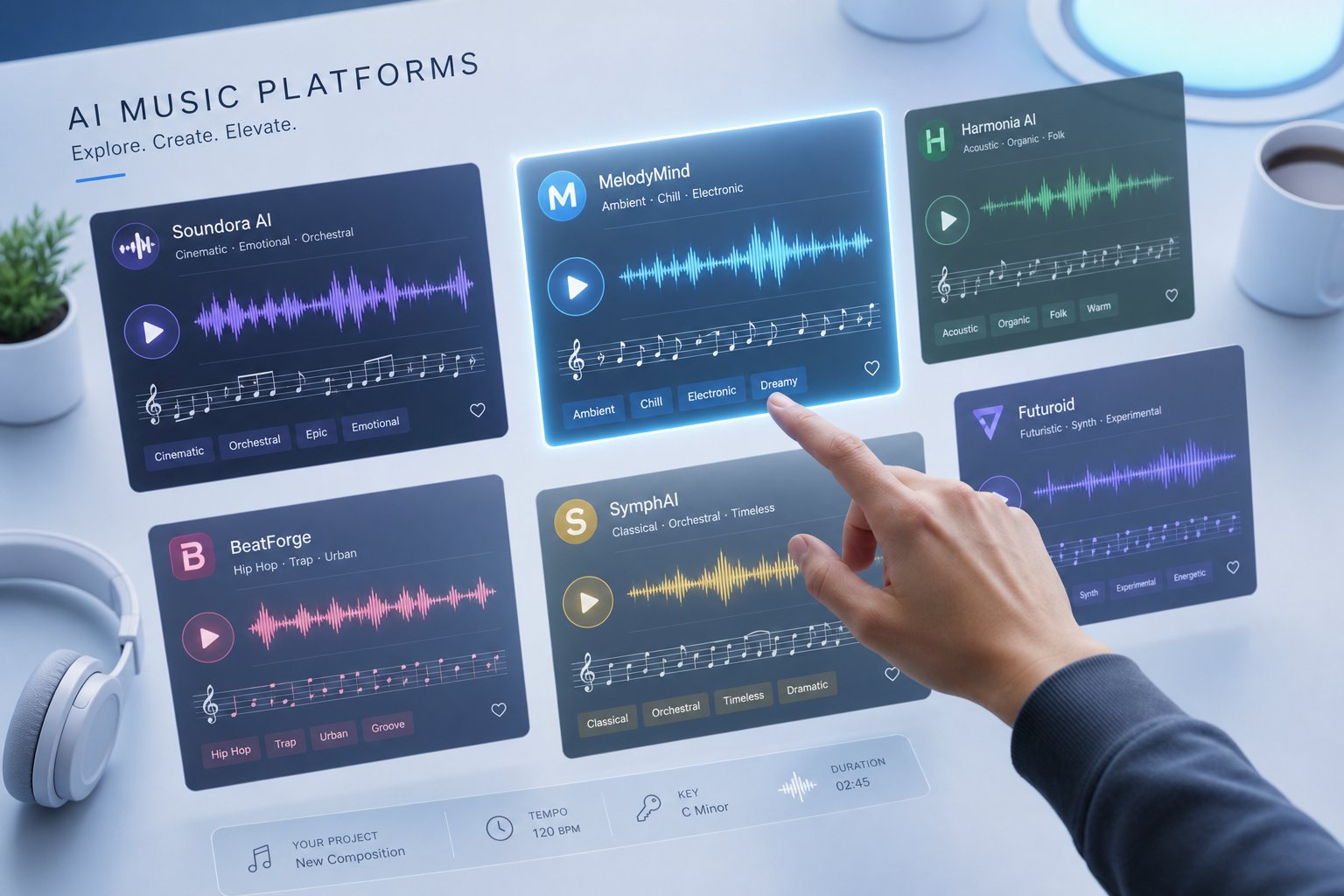
You know what you want to create. The question now is which tool gets you there with the least friction and the best output quality. The landscape of best ai music generators has expanded rapidly, and each platform carves out a different niche. Some excel at turning a simple text prompt into a polished vocal track in seconds. Others give you granular control over stems and arrangements for use in a professional DAW.
The differentiators that actually matter when choosing among the top ai music generation tools 2026 come down to five things: what inputs the platform accepts (text prompts, lyrics, reference audio), whether it generates vocals, how much style control you get, what format you can export, and who owns the output. Everything else is secondary.
Platform Comparison for AI Music Creation
Here is a side-by-side look at the leading platforms, organized by workflow type. If your goal from Step 2 involves lyrics and vocals, focus on the top half of this table. If you need instrumentals or sound design, the bottom options will serve you better.
| Platform | Input Types | Vocal Support | Best For | Ownership Terms |
|---|---|---|---|---|
| MakeBestMusic | Text prompts, lyrics, style descriptions | Yes | Fast prompt-to-song with lyrics; minimal setup | Commercial rights on paid plans |
| Suno | Text prompts, lyrics, audio upload, section editing | Yes (industry-leading) | Full songs across genres; largest community | Commercial rights on Pro/Premier ($10-$30/mo) |
| Udio | Text prompts, reference audio, stem export | Yes | Producers who finish in a DAW; stem downloads | Paid plans post-UMG settlement; licensing transition active |
| ElevenLabs Music | Text prompts, section-level editing | Yes (multi-language) | Commercial content; creators already using ElevenLabs voice tools | Commercial on Self-Serve+; some carve-outs for film/TV |
| AIVA | Style presets, MIDI upload, custom models | No | Cinematic, orchestral, game scoring | Full copyright ownership on Pro (€49/mo) |
| Stable Audio | Text prompts | No | Instrumental beds, sound design, podcast audio | Commercial on Creator tier and above |
A few things stand out from this comparison. If you want to makesong quickly from a lyric idea or a short description, platforms that accept both text prompts and direct lyric input — like MakeBestMusic and Suno — remove the most steps between idea and finished track. You type, you generate, you listen. No MIDI knowledge required, no DAW setup, no session musicians to coordinate.
Suno remains the category leader by volume, with roughly 2 million paid subscribers and $300M in annual recurring revenue as of early 2026. Its suno canvas feature set on the Premier plan gives you multi-track editing, stem extraction, and MIDI export — essentially a lightweight DAW built into the platform. For the top ai platform for songs lyrics, it is hard to beat that combination of accessibility and depth.
Udio, meanwhile, appeals to producers who want cleaner stems for remixing in Ableton or Logic. Its October 2025 settlement with Universal Music Group gives it the cleanest licensing posture among vocal-capable tools, though its download capabilities have been intermittent during the transition to a jointly licensed platform.
Newer entrants like remusic.ai and ElevenLabs Music are pushing the space further. ElevenLabs launched its dedicated music app in early 2026 with studio-grade 44.1kHz output and section-level editing, letting you regenerate just a chorus or just an intro without touching the rest of the track.
How to Pick the Right Tool for Your Workflow
Map your decision back to the use case you defined in Step 2:
- Full songs with custom lyrics and vocals — MakeBestMusic or Suno. Both accept lyric input directly and handle the complete arrangement. MakeBestMusic streamlines the process for users who want to go from idea to finished song with minimal friction.
- Instrumental background or podcast audio — Stable Audio or AIVA. No vocal generation, but cleaner licensing and purpose-built for ambient or cinematic use.
- Production stems for DAW finishing — Udio. Its stem export is the strongest among the best ai music generation tools 2026 for producers who want AI as a starting point, not the final product.
- Commercial content with licensing clarity — ElevenLabs Music or AIVA Pro. Both have well-documented rights frameworks built on licensed training data or public-domain compositions.
Price alone should not drive your decision. A $10/month plan that produces exactly what you need in three generations is cheaper than a free tier that burns an hour of your time on outputs that miss the mark. Focus on input-output fit first, then check whether the ownership terms match how you plan to use the music.
Choosing a platform is the structural decision. The creative decision — the one that actually determines whether your output sounds original or generic — comes next: learning to write prompts that guide the AI toward something distinctive rather than default.
Step 4 Write Prompts That Produce Better Original Music
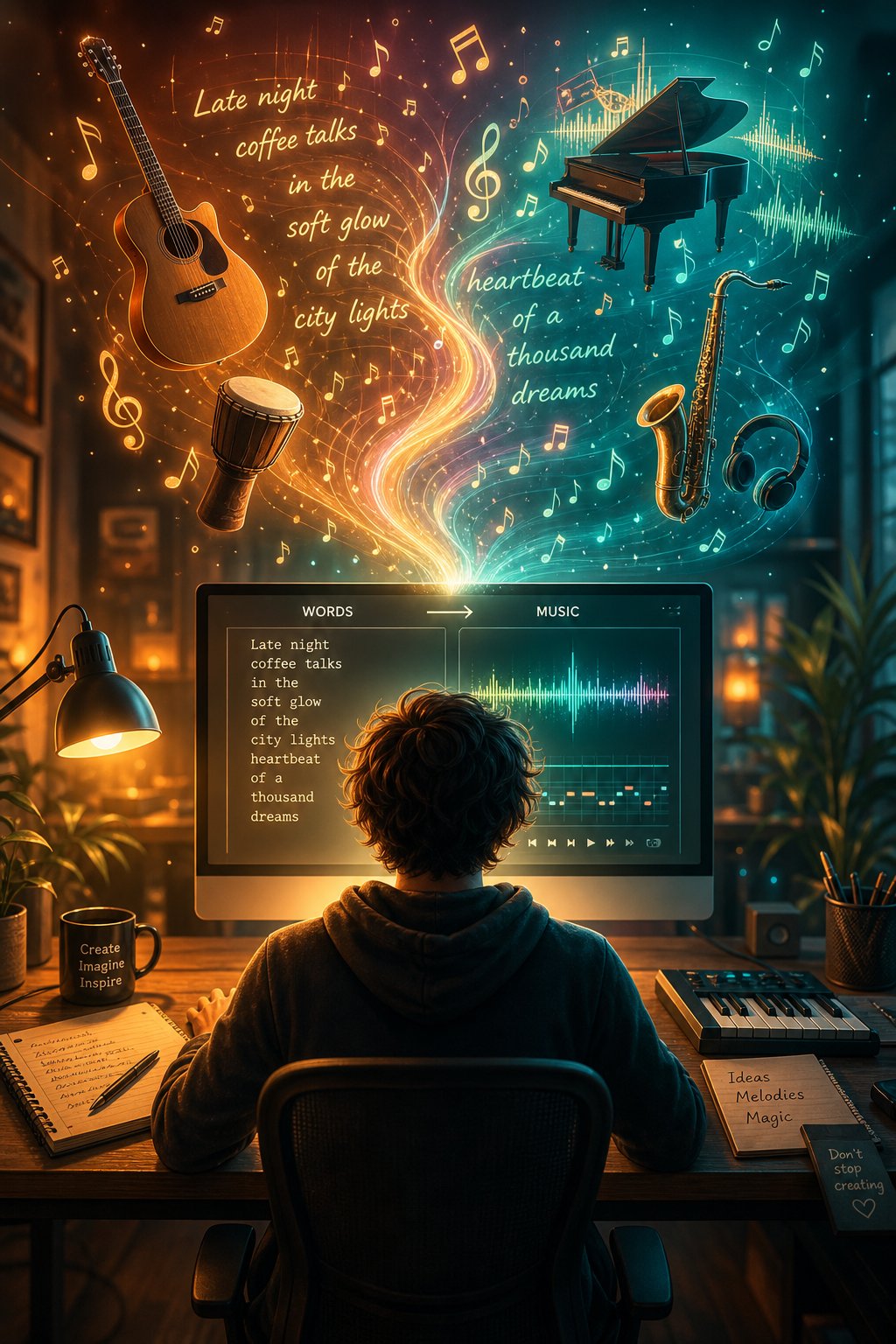
The difference between a generic AI track and something that sounds genuinely original almost always comes down to one thing: the prompt. Most people treat AI music generators like a search engine — type "happy pop song" and hope for the best. That approach leaves too many decisions to the model's defaults, which is exactly how you end up with output that sounds like stock music.
Prompt engineering for music is a learnable skill, not a mystery. When you understand what information the AI actually needs to write the song you are hearing in your head, you stop generating random outputs and start directing compositions. Whether you are using a dedicated song writing application or a general-purpose generator, the same principles apply.
Anatomy of an Effective AI Music Prompt
A strong prompt gives the AI enough structure to constrain its guesswork while leaving creative space for interesting choices. Research into frameworks like Chain of Musical Thought (MusiCoT) confirms that prompt structure often shapes output quality more than the specific vocabulary inside it. Think of your prompt as a creative brief, not a keyword list.
Here are the core components, ranked by their impact on output quality:
- Genre and style — This anchors the entire generation. "Minor key boom bap" pulls from a fundamentally different space than "major key boom bap." Be specific: "warm indie folk" beats "folk music" every time.
- Mood and emotional arc — Mood controls how the genre vocabulary feels. Describe the energy curve, not just a single adjective. "Starts reflective, builds to hopeful" gives direction that "happy" never could.
- Instrumentation — Name the instruments you want prominent and, equally important, what should stay out. "Acoustic guitar and soft brush drums, no synths" eliminates unwanted elements before they appear.
- Tempo and rhythm — A BPM range or feel description ("laid-back groove" vs. "driving four-on-the-floor") shapes the foundation of everything else.
- Structure and arrangement — Specify how the track moves: "quick intro, two short verses, memorable chorus, clean ending." Without this, the AI decides section lengths and transitions on its own.
- Vocal style and delivery — If vocals are involved, describe the performance role: "intimate female vocal, conversational delivery, close-mic warmth." This is far more actionable than naming a famous singer.
You do not need all six every time. A song topic generator prompt for brainstorming might only need genre and mood. A production-ready prompt for the best song creator app benefits from all six layers working together.
Before and After Prompt Refinement Examples
The gap between a vague prompt and a structured one is dramatic. Here is what improvement looks like in practice:
Weak: "Upbeat pop song, catchy and fun." Strong: "Upbeat pop, major key, 120 BPM. Synth arp and handclap open, no bass yet. Verse adds kick and rhythm guitar. Pre-chorus thickens with snare build. Chorus brings full production — bright lead melody, synth pad, driving bass. Energy moves from light to full. Mix clean and polished."
That second version leaves far fewer decisions to chance. The AI knows where the energy starts, where it peaks, and what instruments carry each section.
Weak: "Calm background music for a video." Strong: "Ambient instrumental, modal, no pulse. Sustained pad tones with reverb longer than the notes. A gentle two-note piano interval enters midway, fades before resolving. Loopable middle section, no harsh transitions. Space for voiceover throughout."
Notice the pattern: strong prompts describe how the music moves through time, not just how it sounds in a single moment. They act as a song idea generator by giving the AI a compositional arc rather than a static description.
For anyone searching for the top ai for lyrics for songs or the best ai for songwriting, this same logic applies to lyric-driven prompts. Specify the story, the emotional temperature, and the vocal delivery — not just the genre tag. A prompt like "Create a tender acoustic love song about long-distance patience, intimate male vocal, fingerpicked guitar, simple chorus, hopeful ending" gives the model everything it needs to produce something with genuine character.
The skill compounds quickly. After three or four prompt iterations, you will develop an instinct for which details matter most for your style. That instinct is what separates creators who get usable results on the first or second try from those stuck in endless regeneration cycles — and knowing when to stop generating and start refining is its own critical step.
Step 5 Generate Your Track and Refine Through Iteration
You have your goal defined, your platform chosen, and a well-crafted prompt ready to go. You hit generate, listen back, and... it is close but not quite right. Maybe the verse drags, the chorus melody feels predictable, or the instrumentation is heavier than you wanted. This is completely normal. Learning how to use ai for music production means accepting that generation is not a single event — it is a loop.
Your First Generation Will Not Be Perfect and That Is Fine
Think of your first output the way a sculptor thinks of a rough block of marble. The shape is there, but the details need carving. According to workflow research from MusicMake.ai's 2026 creator guide, the most efficient approach is generating 5 to 10 variations from the same prompt, comparing them, and iterating only on the strongest candidates. Professionals working with ai tools for music production rarely ship a first take. They treat every generation as raw material waiting to be shaped.
The quality gap between a first-pass output and a refined final track is enormous — comparable to the difference between a rough demo and a studio release. Born To Produce's hybrid workflow guide describes this shift bluntly: AI gives you solid foundations, but professional refinement is what turns those foundations into competitive music.
Iteration Techniques That Improve Every Output
Iteration is not just pressing "generate" again and hoping for better luck. It is a structured process where each cycle narrows the gap between what you hear in your head and what the AI delivers. Here is the workflow that consistently produces strong results:
- Generate your initial batch — Create 3 to 5 outputs from your carefully written prompt. Listen to each without judging too quickly. Note which sections, melodies, or textures grab your attention.
- Identify what works and what does not — Be specific. "The chorus melody is strong but the verse feels flat" is actionable. "It is not good enough" gives you nothing to fix.
- Adjust your prompt or parameters — Modify only the parts that need improvement. If the instrumentation is right but the energy curve is wrong, rewrite the structural cues while keeping the timbral descriptions intact.
- Regenerate the weak sections — Platforms like MakeBestMusic support quick iteration by letting you adjust prompts, lyrics, and style ideas without starting over. Regenerate with modified inputs and compare the new output against your best previous version.
- Blend and extend — Once you have sections that work individually, extend the track to build out a full arrangement. Some creators combine the verse from one generation with the chorus of another, or layer elements from multiple outputs to create a richer final piece.
- Test on multiple systems — Listen through headphones, laptop speakers, and your phone. AI-generated mixes can sound polished on good monitors but reveal issues on smaller systems.
Each cycle through this process takes minutes, not hours. Platforms that support rapid re-generation with modified prompts — where you can tweak a single line and hear new results in 30 seconds — dramatically speed up refinement. This is where ai for music production genuinely shines over traditional workflows. Basic song production from a scratch track using AI compresses what used to be days of studio time into a focused afternoon session.
A few specific techniques unlock better results faster. If you want to upload a song and have AI generate a drum beat around it, or if you are looking for the best ai tools for generating melody layers over an existing beat, the iteration loop is the same — generate, compare, refine. Creating a piano arrangement from audio becomes a matter of feeding the right reference and adjusting until the voicing matches your vision. The principle never changes: treat each output as a draft, not a deliverable.
Knowing when to stop iterating matters just as much as knowing how to start. If you have been through three or four cycles and the track still feels generic, the problem likely is not your prompt — it is something structural about the output itself. That raises a different question: how do you actually evaluate whether an AI-generated track has genuine originality, or whether it just sounds like everything else?
Step 6 Evaluate Whether Your AI Music Sounds Original
You have a finished track. It sounds good on first listen. But "good" and "original" are different standards. Generic music is easy to produce and easy to forget. Original music has character — melodic choices that surprise, arrangements that evolve, production decisions that feel intentional rather than default. Before you publish or license anything, run your output through a structured evaluation.
A Framework for Judging AI Music Originality
A 2025 study from the Federal University of Minas Gerais ran a blind listening experiment where participants tried to distinguish AI-generated songs from human-made tracks. The results are revealing: when pairs of songs were randomly selected, listeners performed no better than a coin flip. They could only reliably identify AI music when comparing closely similar tracks side by side — and the cues they used were vocal quality, technical production details, and repetitive structure.
That research gives you a practical evaluation method. Listen to your AI output the way those study participants listened — critically, with attention to the specific elements that signal artificiality. Act as an ai that listens to music and writes its opinion, but with human judgment guiding the assessment.
Here is what to check:
- Melodic distinctiveness — Can you hum the main melody an hour later? If it vanishes from memory immediately, it likely follows overly predictable intervals that the model defaults to.
- Vocal naturalness — Listen for robotic phrasing, unnatural breath placement, or words that blur together. The study found that listeners who focused on vocal and technical cues were significantly more likely to correctly identify AI output.
- Structural variety — Does the song evolve or just repeat? Check whether verses feel different from each other, whether the chorus builds on what came before, and whether there is any dynamic range between sections.
- Arrangement depth — Count the layers. Generic output tends to stack instruments uniformly from start to finish. Original-sounding tracks introduce and remove elements deliberately, creating contrast.
- Lyric coherence — If your track has vocals, do the lyrics tell a consistent story or emotional arc? Nonsensical or overly vague lyrics were one of the strongest signals participants used to flag AI music in the study.
- Production imperfections — Counterintuitively, a track that sounds "too perfect" can signal AI origin. Slight timing variations, breaths, and dynamic inconsistencies add humanness.
Red Flags That Signal Generic or Low Quality Output
Browse any ai generated music reddit thread — particularly communities like r/SunoAI — and you will see the same complaints repeated. Users on ai music generator reddit discussions consistently identify these patterns as markers of generic output:
- Choruses that sound identical to the verse with just a volume boost
- Four-chord progressions that never deviate or add tension
- Vocals that sound impressive in isolation but carry no emotional arc
- Instrumental breaks that feel like filler rather than compositional choices
- Lyrics that rhyme perfectly but say nothing specific
If your track hits two or more of those markers, it needs another iteration cycle. The best ai generated music avoids these traps because creators refined their prompts until the output exceeded the model's comfortable defaults.
For a practical A/B test, find a human-composed reference track in the same genre and tempo as your output. Play them back to back for someone who has not heard either. Ask one question: "Which one would you skip?" If your AI track consistently gets skipped, the problem is usually structural monotony or vocal artificiality — both fixable through prompt refinement or section-level regeneration.
Discussions on ai music reddit also surface a useful insight: the top ai generated songs shared in these communities succeed because their creators iterated past the point where most people stop. The best ai songs are not first-generation outputs — they are fifth or sixth drafts where every section earned its place.
Passing this evaluation gives you confidence that your track is ready for real-world use. The final step is making sure it gets out into the world in the right format, with the right licensing, for the right purpose.
Step 7 Export and License Your AI Music for Real Projects
Your track passed the originality check. It sounds distinctive, the structure holds up, and you are ready to put it to work. This final step is where many creators stumble — not because of creative skill, but because they export in the wrong format, misread a licensing clause, or skip a compliance step that surfaces months later as a takedown notice. Getting the technical and legal details right here protects everything you built in the previous six steps.
Export Formats and When Each One Matters
The format you choose depends entirely on what happens next. Are you uploading directly to YouTube, handing files to a video editor, or sending stems to a collaborator for further production? Each scenario has a clear best choice.
WAV (uncompressed) — This is your master file. WAV preserves every detail of your mix, making it the right choice whenever more processing is coming — mastering, layering vocals, or syncing to video in a DAW. Export at 24-bit, 44.1 kHz for music-first projects. If the track will live inside a video editor, switch to 48 kHz so audio and footage sync cleanly. Keep your master at around -1 dB true peak so streaming platforms do not introduce distortion during their own compression.
MP3 (compressed) — Use MP3 when speed and convenience matter more than microscopic fidelity. Sending a draft for approval, posting a teaser on social media, or sharing a quick preview with a client are all MP3 territory. A bitrate of 256-320 kbps keeps the quality high enough for casual listening while cutting file size dramatically. Treat MP3 as the postcard version — perfect for approvals, but always circle back to the WAV for final delivery.
STEMS (separate tracks) — Stems split your song into individual layers: drums, bass, melody, vocals, pads. Always export stems as WAV so anyone downstream can EQ, compress, and automate without fighting compression artifacts. Stems matter when you need to adjust the mix for different contexts — pulling vocals down for a background track, isolating the melody for a highlight reel, or remixing the track for a different platform. If you want to download a song for YouTube and also repurpose it in a podcast, stems give you that flexibility without regenerating from scratch.
A simple rule: keep a WAV master, a set of WAV stems, and a single MP3 preview for every finished track. That archive lets you respond to any request — client revision, format change, or new deployment — without going back to the generator.
Licensing and Ownership for AI Generated Music
Here is where things get legally nuanced. Most AI music platforms grant commercial rights to paid subscribers, but "commercial rights" does not automatically mean full copyright ownership. Understanding the distinction protects you from surprises.
The US Copyright Office's 2025 guidance is clear: 100% AI-generated content cannot be copyrighted and falls into the public domain. However, when a human has "determined sufficient expressive elements" — writing lyrics, directing arrangement choices, editing outputs — the resulting work can qualify for protection. The more you shape the final piece through iteration and creative decisions, the stronger your ownership position becomes.
Platform terms vary significantly. As licensing experts at Artlist note, "royalty-free" in the AI context usually means you do not pay per use, but there are still rules about reuse, redistribution, and commercial deployment. A common mistake is assuming "commercial use" covers everything — private projects, public posts, ads, and client work can all follow different rules even when the content looks the same.
For commercial songs or royalty free commercial music used in business contexts, always verify three things: whether the platform allows your specific use case, whether you can sublicense to clients, and whether the terms change if you monetize the content. Apple Music terms of service for commercial use (such as dance class settings) operate under entirely different frameworks than YouTube's monetization policies, and neither maps neatly onto what an AI platform grants you.
Royalty free jazz music from a traditional stock library comes with a license that travels with the asset regardless of where it is used. AI-generated tracks, by contrast, stay tied to the originating platform's terms — and those terms can change. Document your creative process, save prompts and edit history, and read the specific policy for your deployment scenario.
| Use Case | Recommended Format | Licensing Consideration | Platform Policy to Check |
|---|---|---|---|
| YouTube video | WAV (48 kHz) or high-bitrate MP3 | Monetization allowed? Content ID conflicts? | Commercial use clause; re-encoding specs |
| Podcast episode | MP3 (256 kbps) or WAV for production | Distribution across multiple hosts permitted? | Redistribution and sublicensing terms |
| Commercial ad / jingle | WAV (24-bit, 48 kHz) | Broadcast rights included? Client transfer allowed? | Commercial advertising permissions; territory limits |
| Streaming release (Spotify, Apple Music) | WAV (16-bit or 24-bit, 44.1 kHz) | Distributor accepts AI-generated content? | Distributor AI policy; platform upload rules |
| AI avatar services with royalty-free music libraries | WAV stems + stereo master | Sync rights for video; loop permissions | Sync licensing clause; derivative work rules |
| Song stock / licensing marketplace | WAV master + MP3 preview | Exclusive vs. non-exclusive; ownership proof | Whether AI-generated tracks are accepted for listing |
Before you publish or distribute any AI-generated music, run through this final checklist:
- Did you export in the correct format and sample rate for your deployment platform?
- Have you read the AI platform's commercial use policy for your specific scenario?
- Can you document your creative involvement (prompts, edits, lyric writing, iteration history)?
- Does the track contain any elements that reference specific artists or copyrighted works in the prompt?
- If distributing to streaming services, does your distributor accept AI-assisted content?
- Have you saved your WAV master and stems for future reuse or revision?
- If the music will be used by a client or third party, do the platform terms allow sublicensing or transfer?
The legal landscape for AI music is still evolving — the UK government's March 2026 decision to require explicit permission for AI training on copyrighted material signals that regulations are tightening, not loosening. Staying compliant today means documenting your process, choosing platforms with transparent licensing, and treating your creative involvement as the asset that gives your music legal standing. The technology handles the generation. Your judgment, taste, and intentional choices are what make the result both original and yours.
