

Why Most AI Music Videos Get Zero Views and How to Fix It
You spent hours crafting the perfect prompt, fine-tuning visual styles, and syncing AI-generated visuals to your track. The result looks incredible. You upload it, hit publish, and then... nothing. A handful of views, maybe from your own devices. Sound familiar?
Here's the thing: creating an AI music video and promoting one are completely different skills. Most creators treat the upload as the finish line when it's actually the starting block. Learning how to promote AI generated music videos requires understanding why these videos face challenges that traditional music content simply doesn't.
Why AI Music Videos Need a Different Promotion Playbook
Traditional music videos benefit from established artist fanbases, label marketing budgets, and platform algorithms trained on decades of human-created content patterns. AI-generated music videos exist in a different reality. YouTube's 2026 crackdown on what it calls "AI slop" resulted in 4.7 billion views wiped and 16 major channels terminated for mass-produced, low-effort content. The platform isn't anti-AI, but its algorithms now scrutinize AI content more carefully, distinguishing between creative AI use and automated spam.
Then there's audience perception. You might expect viewers to reject AI-labeled content outright, but research tells a more nuanced story. A study published in Computers in Human Behavior: Artificial Humans found that participants actually rated pop songs labeled as AI-generated higher in positive emotions like happiness, interest, and awe compared to identical songs labeled as human-composed. The bias isn't automatic rejection. It's context-dependent. Your AI music video promotion strategy needs to account for how you frame the content, not hide from its origins.
The real challenge is a three-part puzzle: algorithms that apply extra scrutiny to AI content, platforms requiring proper disclosure labels, and a cultural moment where consumer enthusiasm for AI-created work has dropped significantly since 2023. A successful AI generated music video distribution plan must navigate all three simultaneously.
The Opportunity Gap Most Creators Miss
Here's where it gets interesting. The vast majority of AI music video creators stop the moment generation is complete. They upload, add a basic title, and move on to creating the next piece. No metadata strategy. No pre-release campaign. No community engagement. No distribution plan beyond a single platform.
This gap is your advantage. While others flood platforms with undifferentiated content and wonder why AI music videos get no views, creators who invest even modest effort into structured promotion consistently outperform those who don't. The difference between zero views and thousands often isn't video quality. It's everything that happens after the render finishes.
The promotion lifecycle of pre-release buzz, strategic launch, and sustained growth is where real results happen. Generation is just step one. Distribution is the entire game.
What follows is a complete workflow guide that bridges the gap between creation and audience building. Each step builds on the last, from optimizing your video's discoverability foundations to running paid campaigns and converting casual viewers into loyal subscribers. The first thing any serious creator needs to get right? Making sure the algorithm can actually find and recommend your content.
Step 1 - Optimize Your Video Metadata for Maximum Discoverability
Your AI music video could be visually stunning, but if the algorithm can't understand what it is or who should see it, it stays buried. Metadata is the language you use to communicate with platforms. It tells YouTube, TikTok, and Instagram what your content covers, who it's for, and why someone should click. Getting AI music video metadata optimization right is non-negotiable before any other promotion tactic matters.
Think of it this way: every element of your metadata works together as a system. Your title earns the impression. Your thumbnail converts the impression into a click. Your description and tags determine which searches and recommendation feeds surface your video in the first place. When one piece underperforms, the whole chain breaks.
How to Write Titles and Descriptions That Get Clicks
Your title is the single most impactful metadata element. YouTube displays roughly 60 characters on mobile devices, where over 70% of viewing happens. Front-load your primary keyword within those first 60 characters, then add an emotional or curiosity-driven hook.
A strong YouTube title strategy for AI music content follows this formula: [Topic/Keyword] + [Emotional Hook or Benefit]. For example, "AI Generated Music Video - Dark Synthwave That Feels Alive" works better than "My New AI Video." The first version tells the algorithm the topic and tells viewers what emotional experience awaits them. The second tells nobody anything.
For descriptions, the first 140-150 characters are critical. This is the text viewers see before clicking "Show More," and it's what appears in search results. Lead with your main keyword and a clear value statement. Then expand with 200-300 words covering what tools you used, what genre the track falls into, and any creative context. According to YouTube Creator Academy data, videos with detailed descriptions receive 35% more engagement than those with minimal text.
Here's the key question for AI creators: how do you frame AI-generated content authentically without triggering negative bias? Be transparent but lead with the creative vision, not the tool. "Cinematic AI Music Video | Ambient Electronic Journey" positions the art first. "Made by AI" as your opening line positions the tool first. Platforms now require AI content labeling in specific fields, so you'll stay compliant either way. But your title and description hook should sell the experience, not the process.
Tag Strategy and Thumbnail Optimization for AI Music Content
Tags serve as secondary signals that help platforms group your content with related videos. The best tags for AI generated music videos combine three layers: broad genre terms ("electronic music," "ambient," "synthwave"), AI-specific terms ("AI music video," "AI generated art," "AI animation"), and niche community terms ("visual album," "music visualization," "generative art"). YouTube allows up to 500 characters of tags. Aim for 10-20 highly relevant ones rather than stuffing 40 loosely related phrases.
Thumbnail design for AI music videos follows the same principles that drive clicks across all content, but with one advantage: AI visuals tend to be striking by nature. Use that. Your thumbnail should pass what designers call the "squint test" — shrink it to mobile size (roughly 160 pixels wide) and check if the focal point is still readable. High contrast colors, minimal text of 3 words or fewer, and a single clear focal point outperform busy compositions. Large-scale analyses from 2024-2026 confirm that thumbnails with 3 words or fewer consistently outperform designs with more text on average CTR.
Pull the most visually arresting frame from your video, boost the contrast, and add a short text overlay that complements your title without repeating it. If your title says "Dark Synthwave Journey," your thumbnail text might simply read "Feel This."
Here's your complete metadata checklist before publishing:
- Title formula: Front-load your keyword within 60 characters, then add an emotional hook or curiosity gap. Read it aloud — if it sounds robotic, rewrite it.
- Description template: Open with your keyword and value statement in the first 150 characters. Expand to 200+ words with genre context, creative process notes, and timestamps if your video exceeds 10 minutes.
- Tag layering: Start with your primary keyword phrase, add 3-5 genre tags, 3-5 AI-specific tags, and 3-5 niche community tags. Keep each tag relevant to the actual content.
- Thumbnail contrast test: Shrink your thumbnail to mobile size and confirm readability. Use high contrast colors, limit text to 3 words, and ensure the focal point communicates the video's mood instantly.
- Caption and subtitle inclusion: Upload accurate captions or subtitles. YouTube reads these to better understand your content, which improves rankings and makes your video accessible to a broader audience.
Solid metadata doesn't guarantee virality, but it guarantees your video is eligible to be found. Without it, even the best promotion efforts downstream get undermined by a weak foundation. With it in place, you're ready to generate attention before the video even goes live.
Step 2 - Build Pre-Release Buzz With Behind-the-Scenes Content
Generating attention before your video goes live isn't just a nice-to-have. It's the single biggest factor in how algorithms treat your content during those critical first 24 to 72 hours. A strong pre-release strategy for AI music videos primes both the platform and your audience to pay attention the moment you hit publish.
Here's what makes AI music creators uniquely positioned for this phase: the generation process itself is fascinating content. Traditional musicians need a film crew and a budget to capture behind-the-scenes footage. You already have the raw material sitting in your prompt history, iteration screenshots, and generation previews. That creative workflow, the one you might consider boring or routine, is exactly what audiences find captivating.
This isn't speculation. Research into consumer engagement shows that behind-the-scenes content consistently outperforms polished final products. One documented example found that a creator's DIY process video earned over 150k likes while the finished brand post it was made for garnered only 38k. People aren't just interested in the result — they're captivated by how it was made. For AI music video creators, the "how" is inherently visual, iterative, and surprising.
Creating Pre-Release Teasers That Build Anticipation
Your teaser campaign should start roughly 7 days before release. The four-phase promotion framework used by professional campaigns breaks this into tease and announce stages. During the tease phase, your goal is curiosity. Fans should be asking "what is this?" before you tell them. During the announce phase (about 3 days out), you convert that curiosity into commitment.
What does this look like in practice? Imagine posting a 2-3 second clip of the most visually striking moment from your video — no context, no caption explaining it. Two days later, a 15-second teaser showing a different scene with a countdown overlay. Then, 3 days before release, your official announcement with the premiere date, a longer preview clip, and a clear call to action to set a reminder.
The key rule: don't reveal everything. Tease the aesthetic and energy, but leave reasons to watch the full video. Three to five teaser posts spread across the week is enough. Oversaturation kills anticipation faster than silence does.
Turning Your AI Generation Process Into Promotional Content
This is where AI creators have an unfair advantage. Your behind the scenes AI music creation content doesn't require extra production effort — it's a byproduct of your workflow. Screen recordings of the generation process, prompt iterations that show how your vision evolved, and before-and-after comparisons between early outputs and the final polished result all make compelling standalone posts.
Here are AI music video teaser content ideas organized by platform:
- TikTok: Process reveal videos showing the prompt-to-visual transformation in real time. Use the "watch me make this" format with your track playing underneath. Hook viewers in the first second with the final result, then rewind to show the journey.
- Instagram Carousel: A 4-5 slide series showing visual iterations from first generation to final frame. Each slide represents a refinement stage. The last slide teases the release date.
- YouTube Shorts: Side-by-side comparison clips pairing the raw AI output with the finished, edited video. These perform well because the contrast is immediate and satisfying.
- Instagram Stories: Countdown stickers paired with still frames or 2-second clips. Use poll stickers ("which visual style should I use?") to drive engagement and make followers feel invested in the outcome.
One question worth considering: when does showing the AI process help engagement, and when does it detract? Transparency works in your favor when the creative decisions are clearly yours — when you're curating, editing, refining, and directing the AI toward a specific vision. Audiences respect the craft of prompt engineering and creative direction. It detracts when the process looks fully automated with zero human input, reinforcing the "AI slop" perception that algorithms are already punishing. Lead with your creative intent, show your decision-making, and position the AI as your instrument rather than the artist.
By the time release day arrives, you'll have an audience already primed and waiting. They've seen glimpses. They've formed expectations. They've engaged with your process. That momentum translates directly into watch time, comments, and shares in the critical first hours — exactly the signals platforms use to decide whether your video deserves broader distribution. The question then becomes: which tools and platforms give you the best infrastructure to execute this consistently?
Step 3 - Choose the Right Creation and Promotion Tools
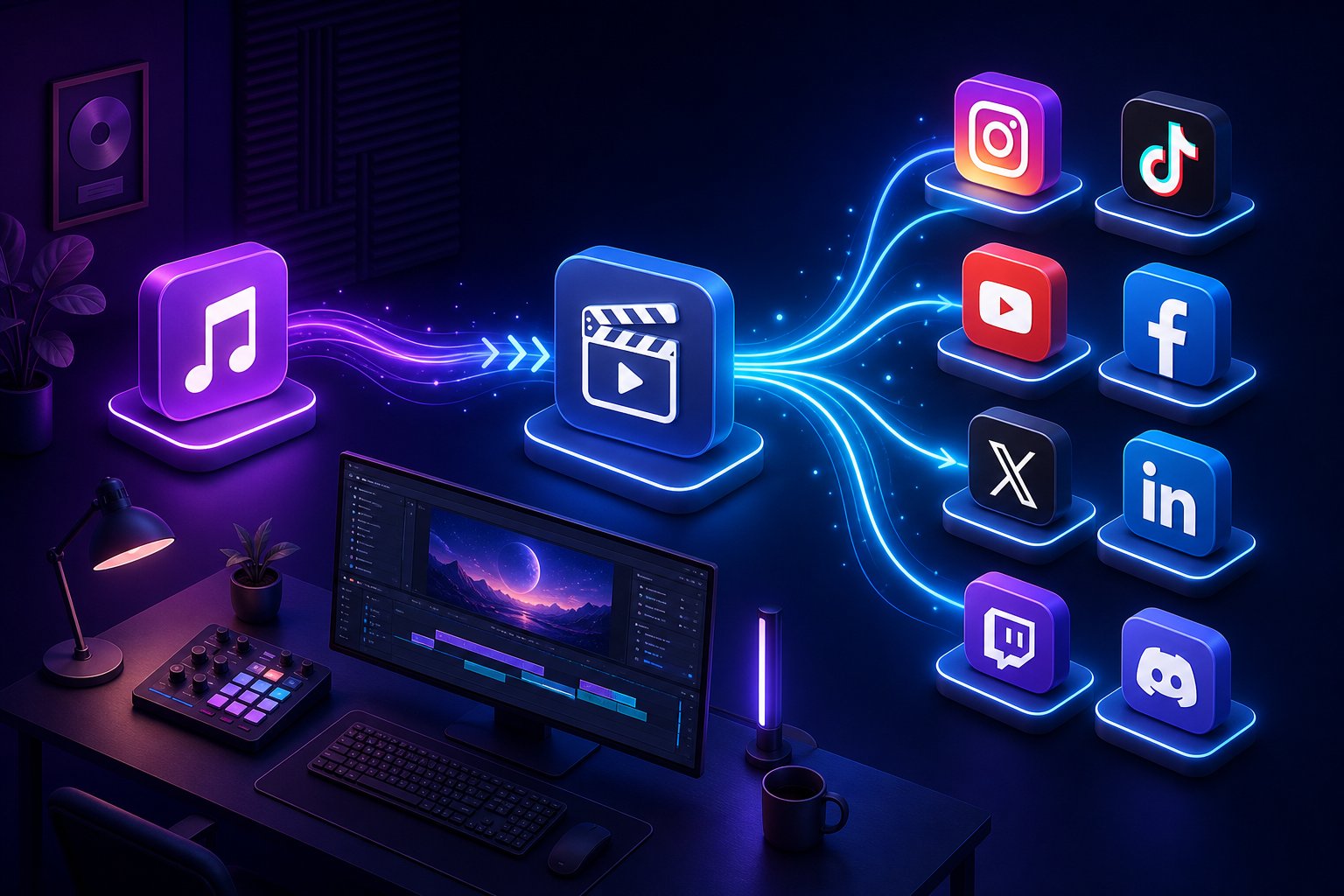
The best pre-release strategy in the world falls flat if your production workflow is so cumbersome that you can't maintain consistent output. This is where your tool stack matters. The right combination of AI music video generator platforms and distribution tools determines whether promotion feels like an overwhelming second job or a natural extension of your creative process.
Think of it in two layers: creation tools that turn your music into shareable visual content, and promotion tools that get that content in front of the right audiences. Most creators over-invest in the first layer and completely neglect the second. You need both working together.
AI Video Generation Tools That Streamline Your Workflow
When evaluating the best tools to promote AI music videos, start with the creation side. Your generator directly impacts how quickly you can produce teasers, multi-format clips, and the full video itself. A platform that takes days of manual tweaking eats into the time you need for promotion. A platform that handles the heavy lifting in minutes gives you that time back.
Here's how the leading AI music video generator platforms compare:
| Tool Name | Best For | Key Feature |
|---|---|---|
| MakeBestMusic AI Music Video Generator | Turning songs into shareable videos quickly | Full song-to-video workflow supporting multiple visual styles and formats ready for social distribution |
| Freebeat | End-to-end music video production | Audio-reactive generation with precise lip sync and character consistency |
| Runway | Cinematic editing and visual effects | Professional-grade AI video editing with advanced camera motion controls |
| Kaiber | Artistic style exploration | Style transformation across a wide range of visual aesthetics |
| Pika | Quick short-form content | Rapid iteration for generating multiple clip variations at speed |
What matters most for promotion purposes isn't just visual quality — it's how efficiently a platform gets you from finished track to publishable video. MakeBestMusic's AI Music Video Generator is designed specifically for musicians, YouTubers, and social creators who need to move fast. The platform supports the full workflow from song to shareable video, which directly enables the teaser strategies and multi-format repurposing covered in earlier sections. When you can generate a complete video and extract multiple clips for different platforms in a single session, you've freed up the majority of your time for the promotion work that actually drives views.
Other platforms in this space each have strengths worth noting. Comparative testing in 2026 shows that Freebeat excels at audio synchronization and performance realism, Runway offers the most advanced editing environment for cinematic projects, and Kaiber produces distinctive artistic outputs for experimental visuals. Your choice depends on your primary use case, but for creators focused on promotion velocity, the tool that minimizes the gap between creation and distribution wins.
Distribution and Marketing Platforms Worth Using
Creation is only half the equation. Understanding how to distribute AI generated music videos means knowing that a YouTube upload alone isn't distribution — it's just posting. Real distribution puts your video across multiple platforms simultaneously, connects it to your artist profile, and opens up additional monetization streams.
According to Symphonic's 2026 guide on music video distribution, distributing through a service delivers your video to platforms like Vevo, Apple Music, TIDAL, Spotify, and connected TV apps like XITE — all at once. This means your video isn't living on a single channel. It's surfacing across environments where different audiences consume music. Symphonic charges $95 for delivery to all video platforms, or $25 for Vevo-only or Spotify-only delivery.
Here are the music video distribution tools for creators worth considering, organized by function:
- Audio distribution (paid): DistroKid for fast, affordable delivery to all major streaming platforms with 100% royalty retention on social media; TuneCore for artists wanting deeper audience analytics and sync licensing opportunities
- Video distribution (paid): Symphonic for delivering music videos to Vevo, Apple Music, TIDAL, and Spotify with Content ID registration; handles monetization across multiple platforms automatically
- Social scheduling (free and paid): Buffer for scheduling posts across Instagram, TikTok, and X with a functional free tier; Later for visual content calendar planning
- Smart links (free): Linktree or Beacons for consolidating all your platform links into a single shareable URL — essential for bio links across social profiles
- Playlist promotion (paid): SoundCampaign for connecting with Spotify playlist curators and Instagram influencers who can feature your track in authentic Reels
- Video editing and repurposing (free): CapCut for trimming full-length videos into platform-specific clips, adding text overlays, and optimizing aspect ratios for Shorts, Reels, and TikTok
The critical insight here: your creation tool and distribution tools should work as a pipeline, not isolated steps. When you use a streamlined generator like MakeBestMusic to produce your video quickly, you can immediately feed that output into CapCut for reformatting, schedule teasers through Buffer, distribute the full video through Symphonic, and push audio to streaming platforms via DistroKid. Each tool handles one link in the chain, and together they cover how to promote AI generated music video content across every surface where your audience might discover it.
With your tool stack assembled, the next challenge is understanding that each platform where your video lives has its own rules, algorithms, and audience behaviors. A strategy that works on YouTube can completely fail on TikTok — and vice versa.
Step 4 - Master Platform-Specific Posting and Hashtag Strategies
Each platform runs its own algorithm, rewards different content formats, and treats AI-generated material with varying levels of scrutiny. Posting the same clip everywhere with identical captions is the fastest way to get ignored on all of them simultaneously. A platform-specific approach means tailoring format, length, hashtags, and even your disclosure strategy to match where you're posting.
Here's a quick reference for how to structure your content across the major platforms:
| Platform | Best Format | Optimal Length | Hashtag Strategy |
|---|---|---|---|
| YouTube Long-Form | Full music video, visual album, or lyric video | 3-8 minutes | Use tags field (10-20 tags); mix genre, AI-specific, and mood-based terms |
| YouTube Shorts | Vertical clip highlighting the most visually striking 30-60 seconds | 30-60 seconds | 2-3 hashtags in description; #Shorts required for surfacing in Shorts feed |
| TikTok | Vertical, hook-first clip with text overlay or caption context | 15-60 seconds | 3-5 tiered hashtags: niche + mid-size + 1 broad |
| Instagram Reels | Vertical, visually polished clip optimized for rewatches | 15-30 seconds | 3-8 hashtags in caption; prioritize niche and genre-specific |
YouTube Long-Form and Shorts Strategy
YouTube treats long-form and Shorts as separate ecosystems with different recommendation engines. Your full AI music video belongs in long-form, where watch time and session duration drive recommendations. But Shorts is where discovery happens for new audiences. Learning how to post AI music videos on YouTube Shorts effectively means thinking of Shorts not as a dumping ground for clips, but as a top-of-funnel discovery tool that drives viewers to your full video.
The formula: extract 2-3 of the most visually arresting moments from your full video. Each Shorts clip should open with the most compelling frame — you have about 1 second before someone swipes. Add a text hook ("Wait for the drop" or "AI made this") and end with a reason to visit your channel for the full version. Pin a comment linking to the complete video.
For optimal posting times for AI music content, YouTube's internal data consistently shows that posting between 2-4 PM in your target audience's timezone gives the algorithm time to index and begin testing your content before evening viewing peaks. For Shorts specifically, early afternoon posts tend to gain traction through the evening scroll window. That said, consistency matters more than perfection. Pick a schedule you can maintain weekly, and the algorithm rewards that reliability over chasing the theoretically "best" hour.
TikTok and Instagram Reels Hashtag Playbook
This is where most AI music creators waste their reach potential. Slapping #music or #aiart on a post feels productive, but those broad tags have hundreds of millions of posts. Your content appears in that feed for roughly four seconds before being buried. Campaign data from Chartlex shows that artists using tiered niche-to-broad hashtag sets on TikTok see 2.4x higher average view counts in the first 48 hours compared to those relying on broad tags alone.
The concept is hashtag layering. You combine three tiers to send a clear signal about your content without competing against major-label releases:
- Niche tags (under 500K posts): Highly specific, low competition, high-intent viewers. Examples for AI music: #aimusician, #aimusicvideo, #generativevisuals, #aielectronic
- Mid-size tags (500K-5M posts): Enough volume to matter without drowning your content. Examples: #electronicproducer, #indiemusician, #visualart
- Broad tags (5M+ posts): Use one, maximum two. They signal category to the algorithm without relying on them for reach. Examples: #newmusic, #aiart
The best hashtags for AI music videos on TikTok follow the structure of 2-3 niche + 1-2 mid-size + 1 broad. For AI-specific content, layer in tags like #aimusic, #aigenerated, and #aiartcommunity alongside genre tags that describe the sound itself. TikTok reads your hashtags as early targeting parameters — they determine which audience pool sees your video before any engagement data exists. Getting this wrong means TikTok serves your cinematic synthwave piece to people who've never engaged with electronic music.
Your Instagram Reels strategy for AI generated music works differently. Instagram's algorithm weighs watch-through rate, saves, and shares far more heavily than hashtags. Tags function primarily as search labels and Explore categorization tools rather than distribution levers. Use 3-8 highly relevant hashtags in the caption itself (not in a separate comment), and invest your real energy into making content people rewatch. A visually mesmerizing 15-second loop that someone watches three times signals more value to Instagram than a 60-second clip someone abandons halfway through.
One critical distinction: rotate your hashtag sets. Using the same 5 tags on every post can trigger repetitive-pattern flags, especially on Instagram. Build 3-4 different sets for your regular content types and cycle between them. Track which sets drive the most impressions over 30-day windows using Instagram's Professional Dashboard or TikTok Analytics.
Repurposing One Video Into Multiple Platform Clips
You don't need to create separate content for each platform. You need to repurpose AI music video content for multiple platforms by extracting different moments and reformatting them. A single 4-minute AI music video can yield 5-8 distinct clips:
- Clip 1: The most visually explosive 30 seconds as a YouTube Short
- Clip 2: A 15-second loop of the catchiest musical hook for Instagram Reels
- Clip 3: A 45-second "best moment" TikTok with a text overlay hook
- Clip 4: A side-by-side before/after showing AI generation vs. final edit (TikTok or Reels)
- Clip 5: A 60-second Shorts clip focusing on a different visual sequence than Clip 1
- Clip 6: An Instagram carousel pairing still frames with a track preview
- Clip 7: A process clip showing prompt-to-video transformation (TikTok)
- Clip 8: A slow-motion highlight with a CTA to watch the full video (Stories)
Posting cadence matters more than posting volume. One well-formatted, properly tagged clip per platform every 2-3 days outperforms dumping five clips in a single afternoon. Algorithms reward accounts that post consistently over time because it signals an active creator worth recommending. Pick a cadence you can sustain for months, not one that burns you out in two weeks.
Staying Compliant With AI Content Labeling Policies
Platform policies around AI content disclosure have teeth in 2026. This isn't optional fine print — failing to comply can result in content removal, reduced distribution, or account-level enforcement. Each platform handles it differently, and you need to know the rules where you post.
Current platform requirements break down like this: TikTok requires creators to disclose synthetic media using their in-app AI-generated label. YouTube requires disclosure of altered or synthetic content through their Altered Content tag, with penalties including monetization impacts. Meta (Instagram, Facebook) applies automated "AI Info" labels when AI content is detected, and requires creator labeling for photorealistic synthetic media.
Here's the good news for AI music video creators: music videos are inherently creative and stylized, not photorealistic depictions of real events. Most enforcement targets content that could mislead viewers into thinking synthetic material is real footage of actual people or events. A clearly artistic AI music video with surreal visuals is lower risk than, say, an AI-generated deepfake of a celebrity.
That said, the smart move is proactive disclosure. Use each platform's built-in labeling tools. On YouTube, check the "Altered or Synthetic Content" box in your upload settings. On TikTok, apply the AI-generated content label. On Instagram, Meta's automated systems may apply "AI Info" regardless of your action, so getting ahead of it with transparent framing in your caption avoids any impression of deception.
Compliance doesn't hurt reach. In fact, transparent AI creators often build stronger audience trust than those who try to hide the process. Position your AI-generated label as a feature of your creative identity, not a disclaimer you're forced to include. The audience that finds you through honest framing is the audience that sticks around — and building that loyal community is its own promotion strategy entirely.
Step 5 - Tap Into Niche AI Music Communities for Organic Growth
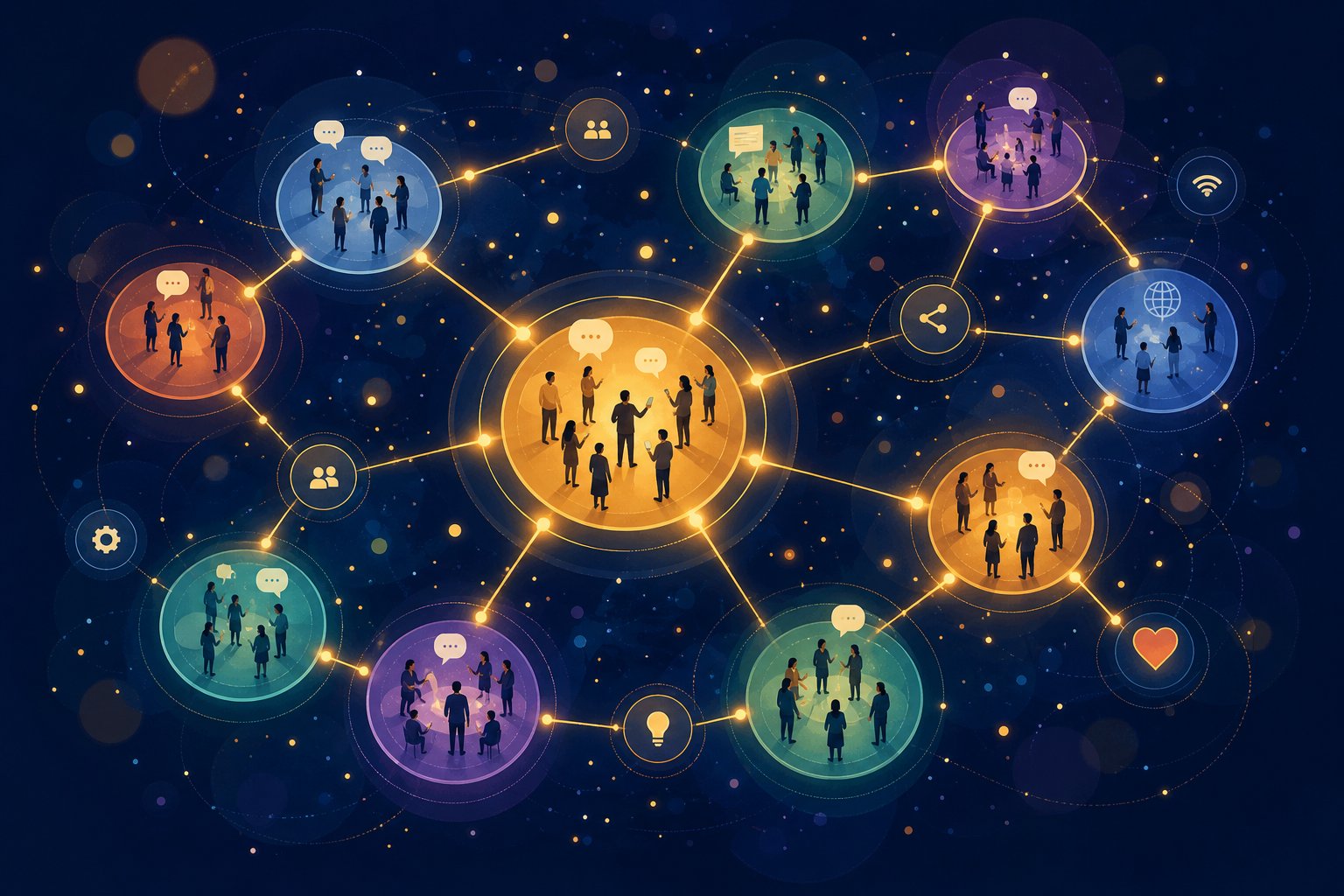
Loyal communities don't form from algorithm luck. They form in spaces where people already gather around shared interests. For AI music video creators, those spaces exist right now — active, growing, and surprisingly welcoming to new members who show up with genuine intent. The key is knowing where to look and how to participate without getting yourself banned on day one.
Not every music community appreciates AI-generated content. Some are openly hostile. r/WeAreTheMusicMakers (3.8M members) explicitly bans all AI content — post there and you'll get removed immediately. But dozens of thriving AI music communities for promotion exist where AI-generated work isn't just tolerated, it's celebrated. You need to find the right rooms.
Finding Communities That Actively Celebrate AI Music
Reddit and Discord are the two primary ecosystems where AI music creators congregate. The best subreddits for AI generated music depend on which tools you use and what kind of engagement you're looking for.
On Reddit, dedicated AI-first communities include r/SunoAI (80,639 members), r/udiomusic (12,079 members), r/AI_Music (14,618 members), and r/aiMusic (9,759 members). Each welcomes AI-generated content by design. For broader exposure, r/MusicPromotion (68,696 members) explicitly allows AI content when you use their required "AI-Generated" flair. r/IndieMusicFeedback (106,460 members) operates as a feedback-exchange community where AI content isn't singled out in the rules — you give feedback to others before posting your own work.
Discord communities are even larger. The Suno Discord server hosts roughly 402,647 members — five times bigger than its Reddit counterpart. The Udio Discord has around 17,619 members. These servers offer real-time feedback, prompt-sharing channels, and community challenges that can surface your work to thousands of active members instantly. If you're trying to understand how to promote music in Discord servers, these are your starting points: join the channels dedicated to sharing finished work, participate in prompt challenges, and provide feedback before posting your own content.
Beyond Reddit and Discord, Facebook groups like "AI Music Creators" and "AI Generated Music Community" attract a slightly older demographic that tends to engage more deeply with individual posts. Niche forums on platforms like Lemmy and specialized AI art communities on Civitai also provide pockets of highly engaged audiences who appreciate creative AI use.
Engagement Rules That Build Reputation Without Spamming
Here's where most creators sabotage themselves. They join a community, immediately drop a link to their latest video, and wonder why nobody clicks. Worse, they get flagged as spam and lose access entirely. Community building and spam posting look similar on the surface — both involve sharing your work. The difference is everything that happens before and around the share.
Follow these engagement principles to build genuine standing in any AI music community:
- Contribute before promoting. Follow the 9:1 ratio — for every one self-promotional post, aim for nine genuine contributions. Answer questions, comment on others' work, share a technique you discovered. Build a post history that proves you're a real member, not a drive-by link dropper.
- Share process insights generously. Explain how you achieved a particular visual effect, which prompts worked, what settings you refined. AI music communities thrive on knowledge sharing. The creators who teach become the ones people follow.
- Collaborate with other creators. Offer to create visuals for someone else's track. Propose playlist swaps where you feature each other's work. Suggest duet-style content or feature exchanges. These AI music creator collaboration strategies build mutual audiences without any ad spend.
- Participate in community challenges. Many subreddits and Discord servers run weekly themes, genre challenges, or prompt battles. These are high-visibility opportunities where participants actively watch and engage with each other's submissions.
- Respect each community's specific rules. r/SunoAI limits track sharing to one post per 24 hours with genre tags in brackets. r/AI_Music restricts music sharing to designated megathreads. r/MusicPromotion requires proper flair. Five minutes reading sidebar rules saves you from a permanent ban.
- Disclose AI usage even when not explicitly required. Transparency builds trust faster than anything else. When someone asks how you made something, be honest about your tools and process. Hiding AI involvement almost always backfires when discovered.
Cross-promotion with other AI music creators deserves special attention because it's the highest-leverage organic growth tactic available. A playlist swap — where you add another creator's tracks to your playlist and they reciprocate — exposes your work to an entirely different subscriber base with zero cost. Feature exchanges work similarly: you create a visual for their track, they create one for yours, and both audiences discover someone new. Collaborative "versus" or "mashup" videos generate natural engagement because audiences love comparison content.
The goal across all these communities is positioning yourself as a contributor first and a promoter second. When people recognize your username as someone who adds value to conversations, they click your links out of genuine curiosity rather than obligation. That kind of organic interest compounds over time in ways that no single promotional push can replicate. And for creators ready to accelerate beyond organic reach, targeted paid campaigns can amplify what community engagement has already validated.
Step 6 - Run Targeted Paid Campaigns on the Right Platforms
Organic community engagement builds credibility and a baseline audience, but it has a ceiling. At some point, you've posted in every relevant subreddit, engaged in every Discord challenge, and optimized every hashtag set. Paid promotion for AI music videos lets you break through that ceiling by placing your content directly in front of people who are statistically likely to enjoy it — without waiting for an algorithm to decide you've earned the reach.
The question isn't whether to spend money on promotion. It's how much to spend, where to spend it, and how to avoid burning your budget on viewers who will never care about your music.
Paid Ad Platforms That Work for Music Video Content
Not all advertising platforms perform equally for music content. Some reward visual storytelling. Others reward short audio hooks. Your choice depends on what format your AI music video takes and what action you want viewers to take after seeing it.
YouTube Ads (Google Ads) remain the strongest channel for music video promotion specifically because viewers are already in a lean-back, content-consumption mindset. When your video plays as a pre-roll ad before a similar artist's content, the viewer is primed to listen. Campaign data from Chartlex shows that musicians running TrueView in-stream campaigns with precise similar-artist targeting average a 25-35% view-through rate. The cost? Typically $0.01-0.05 per view, making it one of the most affordable paid channels available.
Meta Ads (Instagram and Facebook) excel at reaching visually-oriented audiences through Reels placements and in-feed video. Meta's Custom Audiences and Lookalike Audiences let you target users who resemble your existing followers, while interest-based targeting connects you with fans of specific genres, AI art communities, and visual content consumers. According to GA Agency's music industry paid media breakdown, Meta's strength lies in combining large-scale reach with personal interaction — ideal for building awareness around a new release.
TikTok Ads work best for short-form clips and teaser content. In-Feed Ads blend seamlessly into a user's For You page, and TikTok's algorithm rewards creative, native-feeling content over polished advertising. If your AI music video has a visually arresting 15-30 second segment, TikTok ads can push it into viral territory faster than any other platform.
Influencer partnerships offer a different approach entirely. Rather than buying ad placements, you pay creators with established audiences to feature your music in their content. For AI music videos, this works especially well with AI art reviewers, music reaction channels, and aesthetic content creators whose followers already appreciate visually experimental work.
Playlist placement services target the audio side of your release. Platforms like SoundCampaign connect your track with Spotify playlist curators, while services like SubmitHub let you pitch directly to blog reviewers and playlisters. These don't promote the video itself, but they drive streams that feed back into your YouTube growth by building cross-platform recognition.
Budget Allocation Strategy for Different Creator Levels
How much to spend promoting AI music videos depends on where you are in your journey. Overspending too early wastes money on unoptimized content. Underspending means you never generate enough data to learn what works. Here's how to think about budget at each level:
Micro-budget: Under $50
This is your testing phase. You're not expecting explosive growth — you're buying data. At $0.02 per view on YouTube, a $50 budget delivers roughly 2,500 targeted views. That's enough to see which audience segments engage most, which moments in your video retain attention, and whether your metadata is converting impressions into clicks. Allocate the full amount to a single platform (YouTube TrueView recommended) so you get clean data rather than splitting a tiny budget across three platforms and learning nothing from any of them.
Mid-budget: $50-200
You've validated that your content resonates with a specific audience. Now you scale what works and test a second channel. A $150 monthly budget might split 70% to YouTube TrueView ($105, roughly 5,000 views) and 30% to TikTok In-Feed Ads ($45) to test whether your short-form clips gain traction with a different audience segment. At this level, you should see measurable subscriber growth and start building remarketing audiences for future campaigns.
Growth budget: $200+
This is where multi-platform campaigns become viable. A $300 monthly YouTube ads budget for music video promotion delivers approximately 10,000-15,000 targeted views — enough to meaningfully impact algorithmic recommendations. Chartlex's 2026 benchmarks show that artists at this spend level gain 150-400 new subscribers per $500, with the paid views triggering organic algorithmic distribution that extends results well beyond the campaign period. Split budget across YouTube (60%), Meta or TikTok (25%), and retargeting (15%) to maximize both discovery and conversion.
Here's a step-by-step process for setting up your first paid campaign:
- Confirm your organic foundation is ready. Your channel should have at least 3-5 published videos, optimized metadata, a professional banner, and a compelling "About" section. Running ads to a barren channel is like paying for foot traffic to an empty store. Viewers who click and find nothing else to watch won't subscribe.
- Choose one platform and one campaign objective. For most AI music video creators, start with YouTube TrueView in-stream ads optimized for views. Select "Product and brand consideration" as your campaign objective in Google Ads, then choose "Video" as the campaign type.
- Define your targeting parameters. Layer interest-based targeting (electronic music fans, AI art enthusiasts, visual content consumers) with custom intent audiences built from searches like "AI music video," "new synthwave 2026," or "artists like [similar creator]." Add placement targeting on 3-5 specific YouTube channels whose audiences overlap with yours.
- Set your daily budget and bid. Start with $5-10 per day and a maximum CPV bid of $0.03-0.05. This gives the algorithm enough volume to optimize while keeping your cost per view within the range where ROI stays positive.
- Create your ad creative. Use your existing video, but edit the first 5 seconds to lead with your most compelling visual or musical moment. Add a clear end-screen CTA ("Subscribe for more" or "Watch the full video"). Upload your YouTube video URL directly into Google Ads.
- Launch and monitor daily for the first week. Check view rate (target 20%+), CPV (target under $0.04), and geographic distribution. Pause any audience segments with view rates below 15% after 500 impressions — they're draining budget without converting.
- Optimize and scale. After 7 days, identify your top-performing audience segment and increase its budget allocation. Test a second creative variation against your original. Add remarketing audiences targeting people who watched 50%+ of your video but didn't subscribe.
Measuring ROI: The Metrics That Actually Matter
Spending money without tracking results is guessing, not marketing. The best ad targeting for music video content means nothing if you can't measure whether it's working. Focus on these three primary metrics:
Cost per view (CPV): How much each qualified view costs you. For music content on YouTube, aim for $0.01-0.03. Anything above $0.05 consistently means your targeting is too broad or your creative isn't hooking viewers in the first 5 seconds.
Subscriber conversion rate: What percentage of viewers subscribe after watching your ad. A healthy benchmark is 1-3% for music channels — meaning for every 100 paid views, you gain 1-3 subscribers. Track this by comparing subscriber growth during campaign periods versus non-campaign periods.
Watch time and retention: YouTube's algorithm cares deeply about how long viewers stay. If your ad generates views but people drop off after 10 seconds, you're paying for impressions that don't compound into organic growth. Check your audience retention curve in YouTube Analytics — a healthy ad-driven video retains at least 40% of viewers past the midpoint.
Secondary metrics worth monitoring include earned actions (likes, shares, comments generated without additional spend), click-through rate on your CTA, and cross-platform streaming increases during active campaign windows.
Common Mistakes That Burn Budget Fast
Even small budgets evaporate quickly when you make these errors:
Targeting too broadly. "Everyone who likes music" is not a target audience. An AI-generated ambient electronic piece should target fans of ambient electronic music, AI art enthusiasts, and viewers of specific channels in that niche — not the entire music-loving population of the United States. Narrow targeting costs more per view but converts at dramatically higher rates.
Running ads before organic content is optimized. If your channel has no other videos, a generic banner, and descriptions that say "new video," paid traffic bounces immediately. Viewers need a reason to subscribe beyond the single video they watched as an ad. Build your organic foundation first.
Using the video intro as the ad opening. Most music videos open with atmospheric build-ups, logos, or slow fades. In an ad context, you have 5 seconds before the skip button appears. Lead with your strongest hook — the drop, the chorus, the most visually stunning sequence. Edit specifically for ad placement rather than using the standard version.
Setting and forgetting. Campaigns require active optimization in their first two weeks. Google's algorithm is learning during this period, and your initial settings are rarely optimal. Check daily, adjust bids on underperforming segments, and refresh creative when view rates plateau.
Ignoring remarketing. Someone who watched 60% of your video but didn't subscribe is infinitely more likely to convert on a second touchpoint than a cold viewer. Build remarketing audiences from day one and allocate 10-15% of your budget to re-engaging these warm viewers with new content or a direct subscribe CTA.
Paid campaigns accelerate growth, but they don't replace the fundamentals. The creators who get the best return are those who've already validated their content organically, optimized their metadata, and built a channel worth subscribing to. Ads amplify what's already working — they don't fix what isn't. And the real payoff comes not from any single campaign, but from converting those paid viewers into long-term subscribers who return without you spending another dollar to reach them.
Step 7 - Build the Engagement Loop for Long-Term Audience Growth
Paid views and organic discovery get people to your content once. That's valuable, but it's not growth. Growth happens when those one-time viewers return without being asked, share your work without being prompted, and anticipate your next release without being reminded. The difference between a channel that flatlines at 500 subscribers and one that compounds to 50,000 comes down to one thing: whether you've built a system that converts viewers to subscribers on your music channel and then deepens that relationship over time.
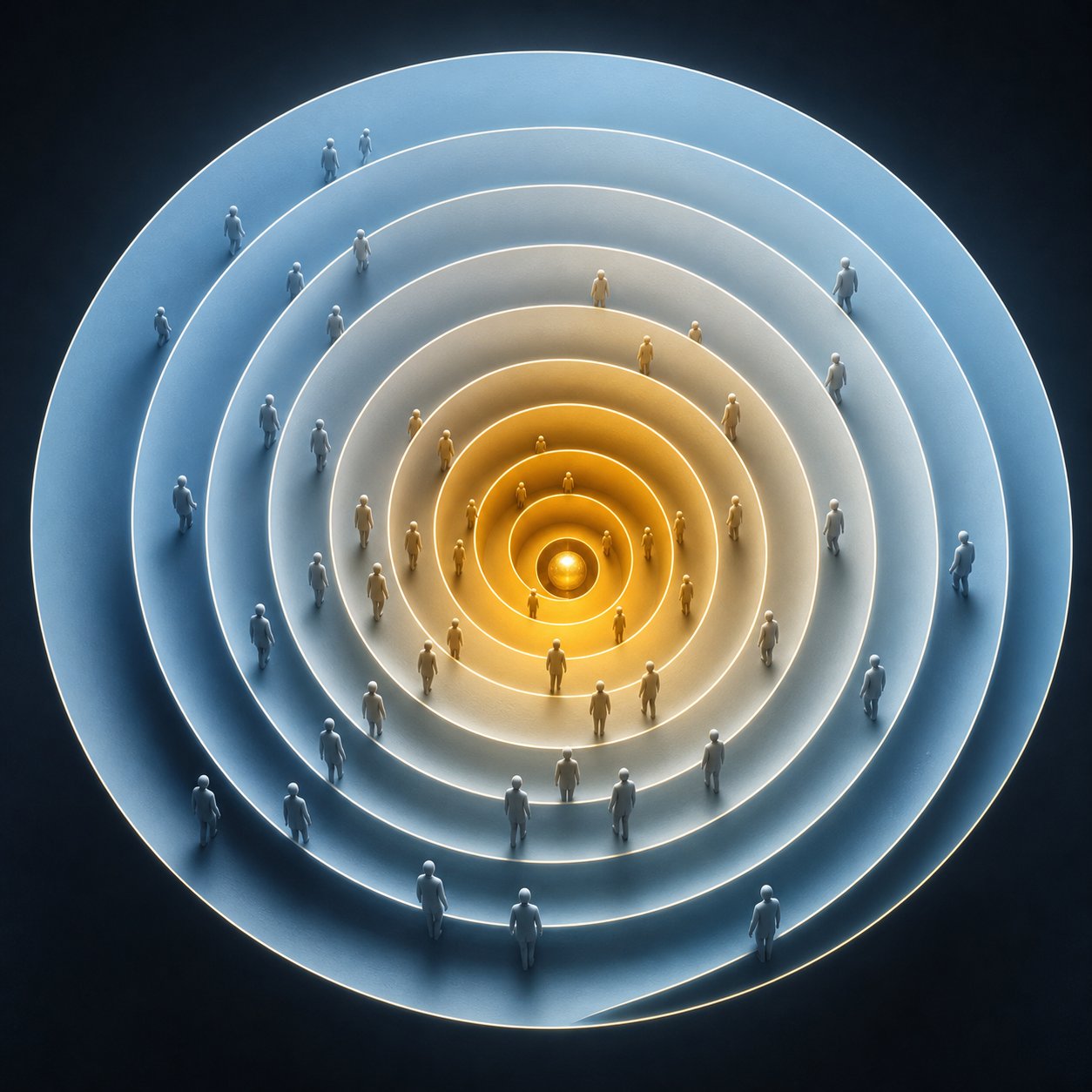
Think of your audience not as a number but as a pipeline. Every viewer enters at one end, and your job is moving them through stages where each level of engagement makes the next one feel natural.
Converting Viewers Into Subscribers With Clear Calls to Action
A viewer who watches your entire video and leaves without subscribing isn't a failure of your content. It's a failure of your ask. YouTube growth data for musicians consistently confirms that explicit calls to action — "Like, comment, subscribe" — work precisely because most viewers won't take action unprompted, no matter how much they enjoyed what they watched.
But generic CTAs waste a powerful moment. "Subscribe for more AI music videos" is forgettable. "I release a new visual every Thursday — subscribe so you don't miss the dark ambient series dropping next week" gives the viewer a specific reason to commit. You're not begging for engagement. You're offering a promise about what they'll get if they stay.
Here's the full engagement loop that transforms a casual click into long-term audience growth with AI music videos:
- Viewer lands on your video through search, Shorts, community share, or paid ad. Their first impression is determined by the metadata and opening hook you've already optimized.
- Viewer becomes a subscriber because your end-screen CTA promises specific future value — a series, a genre, a creative journey they want to follow.
- Subscriber joins your email list through a lead magnet offered in your video description or pinned comment. This could be an unreleased track, a prompt guide, or early access to your next video.
- Email subscriber joins your Discord or community space where they interact with you and other fans directly. This deepens connection beyond passive consumption.
- Community member becomes an advocate who shares your releases organically, participates in collaborative projects, and brings their own network into your audience ecosystem.
Each step requires a different mechanism, but they share one principle: give people a reason to move deeper rather than expecting them to do so on their own.
Building a Sustainable Content Ecosystem Around Your AI Music
Building an email list for music video releases is the single most underrated growth lever available to independent creators. Social platforms control your reach. Email gives you direct access to people who already care. Orphiq's research on email sequences for music releases shows that artist email lists typically see 30-40% open rates, with release announcement emails outperforming regular newsletters by 5-10 percentage points. Compare that to Instagram's roughly 5-10% organic reach on posts, and the math is clear.
Your email strategy doesn't need to be complex. A pre-release sequence of 3-4 emails starting four weeks before your video drops, a launch-day email driving immediate views, and a post-release follow-up sharing milestones and behind-the-scenes content. That's 7-10 emails spread across six weeks — enough to build anticipation without causing fatigue. Tools like Mailchimp, ConvertKit, or Beehiiv handle this at free or minimal cost for lists under 1,000 subscribers.
For real-time community building, a Discord server gives subscribers a space to engage between releases. Keep it simple: a general chat channel, a new-releases channel where you post first, a feedback channel where members can react to works-in-progress, and a collaboration channel for creators in your audience who want to work together. The goal isn't building a massive server. It's creating a space where your most engaged fans feel ownership over your creative journey.
Evergreen content strategies complete the sustainability picture. Your old videos should keep generating views months after upload. A sustainable content strategy for AI music channel growth means creating videos around topics people search for consistently — not just riding trends that expire in a week. "Dark Ambient AI Music for Studying" has search demand year-round. "AI Music Video Reaction to Viral TikTok Trend" has a shelf life of days. Mix both, but ensure at least 40-50% of your catalog serves evergreen intent. Splice's guide on YouTube strategy for musicians reinforces this: seasonal content gives you a boost when relevant, while evergreen content provides a smaller but more consistent stream of new views year-round.
Playlists amplify this effect. Organize your videos into themed playlists that auto-play sequentially. A viewer who found your channel through one ambient piece should seamlessly flow into your entire ambient collection. This increases session watch time — one of the strongest signals YouTube uses to recommend your channel to new viewers.
All of this only works if you can sustain a consistent publishing rhythm. Algorithms reward channels that post reliably, and audiences build habits around creators they can depend on. This is where your creation workflow becomes a long term growth strategy for AI music creators. A reliable, fast video generation pipeline — like using MakeBestMusic's AI Music Video Generator to quickly turn new songs into polished videos — enables the consistent publishing schedule that algorithms reward and audiences expect. When video creation takes hours instead of weeks, you can maintain weekly releases without sacrificing quality or burning out. That consistency compounds over months into the kind of back-catalog depth that drives exponential subscriber growth.
Consistency is the strongest growth lever available to any creator. A reliable weekly release schedule compounds audience trust, algorithmic favor, and catalog depth in ways that no single viral moment can replicate.
The creators who build lasting audiences aren't the ones with one breakout hit. They're the ones who show up every week, deepen relationships at every stage of the engagement loop, and treat each viewer not as a metric but as someone beginning a journey with their music. Promotion gets people through the door. The engagement loop is what makes them stay.
