


Yes, AI That Creates Music Exists and Here Is What You Need to Know
Is there an AI that creates music? Yes, and the options have multiplied fast. Dozens of platforms now generate original compositions from nothing more than a text prompt, a hummed melody, or a set of style preferences. Some produce simple background loops. Others deliver complete songs with AI-sung vocals, structured verses, and polished production. The landscape spans free browser tools, dedicated ai song writing apps, and research-backed systems from companies like Google DeepMind, whose Lyria model generates high-fidelity music across genres.
The Short Answer for Creators in a Hurry
AI music generators are real, accessible, and surprisingly capable. You can type a description like "upbeat indie folk with acoustic guitar and warm vocals" and receive a listenable track in under a minute. Tools range from instrumental-only generators built for content creators to full-production platforms that function like a music GPT, interpreting natural language into arranged songs. Free tiers exist on most platforms, so you can experiment without spending anything. Whether you need a podcast intro, a demo for your band, or a complete track with lyrics, there is likely a tool built for that exact use case.
Why This Guide Exists
Search for this topic and you'll notice that nearly every top result is a product page promoting its own platform. Each one tells you their tool is the best. None of them gives you the full picture. This article takes a different approach: a neutral, editorial overview of what these tools actually do, where they fall short, who benefits most, and how the technology works under the hood. Think of it as the guide you'd want from a knowledgeable friend who has tested these platforms and has no stake in which one you choose.
AI music generation has moved from experimental novelty to practical creative tool. The real question is no longer whether these systems exist, but which approach fits your specific workflow, budget, and creative goals.
In the sections ahead, you'll find a breakdown of how the underlying technology works, a side-by-side comparison of leading platforms like Suno, AIVA, Soundraw, and others considered top AI for lyrics for songs, an honest look at limitations, and a step-by-step walkthrough for creating your first track. If you've been curious whether tools like producer.ai or Google's own experiments (including the earlier Google Song Maker and the question of whether Google AI Studio is good at lyrics for songs) are worth exploring, this guide covers that ground too.
How AI Music Generation Actually Works
Knowing these tools exist is one thing. Understanding what happens between typing a prompt and hearing a finished track is where things get interesting. AI music generators aren't running on a single clever algorithm. They rely on layered systems, each handling a different part of the creative process, from interpreting your words to synthesizing audio that sounds musical rather than mechanical.
At the foundation, most platforms use deep neural networks trained on massive libraries of existing music. These models learn the patterns that make music feel coherent: how chord progressions resolve, how drum patterns lock into a groove, how melodies rise and fall within a genre's conventions. When you provide input, the AI doesn't copy existing songs. It predicts what sounds should come next based on the constraints you've set, generating something new each time.
The words to describe music you use in a prompt directly shape the output. Terms like "melancholic," "driving," "ambient," or "gritty" aren't just labels. They act as probability constraints that steer the model toward specific tonal qualities, rhythmic densities, and arrangement choices. The more precise your language, the closer the result lands to what you imagined.
Text-to-Music and Prompt-Based Generation
This is the most common consumer-facing method and the one most people encounter first. You open a platform, type something like "cinematic orchestral piece with building tension and heavy brass," and the system returns a complete audio file, often within seconds. No musical training required. No instrument selection menus or piano rolls to navigate.
Behind the scenes, the AI parses your description into musical parameters: genre sets the harmonic and rhythmic language, mood influences dynamics and tonality, tempo controls pacing, and instrument references guide the sound palette. Advanced models like Google's Lyria use transformer architectures and diffusion processes to generate audio that captures micro-timing variations, dynamic shifts, and textural nuance rather than producing rigid, robotic output.
Prompt-based generation works well for creators who know what they want to hear but lack the technical skills or time for basic song production from a scratch track. It's particularly effective for background music, social media content, video soundtracks, and rapid prototyping of musical ideas.
Stem-Based Customization and Loop Generation
Some creators need more granular control than a single text prompt allows. That's where stem-based tools come in. Instead of delivering one fixed audio file, these platforms generate music as separate layers, or stems: drums, bass, melody, harmony, and effects, each independently adjustable after creation.
Imagine generating a track and then deciding the drums are too busy or the bass needs more presence. With stem-based systems, you can mute, swap, or regenerate individual elements without starting over. This approach bridges the gap between fully automated generation and traditional production, giving you creative control without requiring a full DAW setup.
AI stem separation technology has matured significantly. Modern neural networks can isolate instruments within a mixed track by analyzing spectral patterns and frequency signatures, then reconstructing clean individual layers. This means you can also upload an existing song and have the AI extract its components for remixing or study, essentially turning any reference track into editable building blocks. If you want to upload a song and have AI make a drum beat that complements it, or if you're creating a piano arrangement from audio using AI for free, stem-based tools are the category to explore.
For producers interested in vocal mixing with AI for free, some platforms now separate vocal stems cleanly enough for remix work, karaoke creation, or layering new instrumentation underneath an existing vocal performance.
Full Song Creation with Vocals and Lyrics
The most advanced category goes beyond instrumentals entirely. These systems generate complete songs: structured verses and choruses, synthesized singing voices, and either AI-written or user-supplied lyrics performed with realistic phrasing and emotion. The result can sound surprisingly close to a produced demo track.
Multi-model engines make this possible. One neural network handles melodic composition, another manages rhythm and arrangement, a third synthesizes vocal timbre and delivery, and additional layers handle mixing and mastering. Working together, they produce cohesive tracks that feel intentional rather than randomly assembled.
Some platforms even include an ai rhyme finder built into their lyric generation, helping structure verses with natural rhyme schemes and syllable patterns. Others function as a music mashup maker, blending stylistic elements from multiple genres into hybrid compositions that would be difficult to produce manually.
The input methods available across these full-song platforms vary widely:
- Text prompts describing genre, mood, tempo, and instrumentation
- Humming or singing a melody idea for the AI to build around
- Uploading a reference track to guide style and energy
- Typing original lyrics for the AI to perform with generated vocals
- Selecting style presets and combining them for hybrid results
Each input method suits a different creative workflow. A songwriter with lyrics but no production skills takes a different path than a filmmaker who needs mood-specific scoring on a deadline. The technology accommodates both, and the gap between these approaches continues to narrow as models improve at interpreting diverse creative signals into polished audio.
Top AI Music Generators Compared Side by Side
Different tools, different strengths. The AI music space has fragmented into distinct categories: some platforms excel at vocal song creation, others dominate background instrumentals, and a few sit in between, offering flexible workflows that cover multiple use cases. Choosing the right one depends less on which platform has the flashiest marketing and more on what you actually need to produce.
To cut through the noise, here's a feature-by-feature comparison of the leading platforms. Whether you're evaluating the best music composition software for a film project or searching for the best apps for music production as a beginner, this table gives you the essential data points in one place.
Feature Comparison of Leading AI Music Tools
| Tool Name | Input Method | Vocals Included | Commercial License | Free Tier Available | Best For |
|---|---|---|---|---|---|
| MakeBestMusic | Text prompts, lyrics, style selection | Yes | Yes | Yes | Complete songs from prompts and lyrics |
| Suno | Text prompts, lyrics editor, extend/remix | Yes | Yes (paid plans) | Yes | All-around song generation |
| AIVA | Style presets, score editor, parameters | No | Yes (Pro plan) | Yes | Orchestral and cinematic scores |
| Soundraw | Mood/genre sliders, section editor | No | Yes (all paid tiers) | Limited | Customizable royalty-free instrumentals |
| Mubert | Text prompts, mood controls, API | No | Yes (paid plans) | Yes (personal use) | Real-time generative background music |
| Google Lyria | Text prompts via Gemini, AI Studio, Vids | Yes | Check platform terms | Yes (within Google products) | Structured songs up to 3 minutes |
| Canva AI Music | Mood and duration selection within Canva | No | Yes (within Canva license) | Yes | Quick background tracks for design projects |
| Boomy | Genre selection, minimal input | Yes | Yes (paid plans) | Yes | Fastest generation for beginners, streaming distribution |
What Sets Each Tool Apart
MakeBestMusic is built around speed and flexibility in the prompt-and-lyrics-to-song pipeline. You describe what you want, paste in lyrics or let the AI generate them, pick a style direction, and receive a complete song with vocals. For creators who have an idea and want a finished track fast without navigating complex interfaces, it's a particularly strong starting point.
Suno has established itself as the suno ai song creator that most people encounter first. Its strength is breadth: it handles nearly every genre convincingly, includes a lyrics editor, and offers extend and remix functions that let you iterate until the output feels right. As a suno ai music maker, it currently leads community benchmarks for overall vocal song quality, with version 5 delivering noticeably richer instrumentation than earlier releases.
AIVA occupies a niche no other platform matches. Trained on over 20,000 classical scores from composers like Bach and Beethoven, the aiva ai music generator is purpose-built for orchestral and cinematic composition. It was the first AI recognized as a composer by France's SACEM, and its built-in score editor gives classically trained users fine control over arrangements. If your project demands symphonic depth, AIVA is the specialist.
Soundraw takes a different philosophy. Rather than generating a final track and calling it done, Soundraw AI gives you slider controls to adjust tempo, energy, mood, and section length after generation. Every track is royalty-free, and the platform trains exclusively on original compositions rather than scraped internet audio. Content creators who need instrumentals timed precisely to video cuts find this post-generation flexibility invaluable.
Mubert generates music in real time, producing continuous streams rather than fixed-length tracks. This makes it ideal for streamers, podcasters, and commercial spaces that need adaptive audio matching a specific duration. Its developer API also opens integration possibilities for apps and games that need dynamic soundtracks.
Google Lyria represents DeepMind's research-grade approach. Lyria 3 Pro generates songs up to three minutes long with structural awareness, meaning it understands intros, verses, choruses, and bridges as distinct compositional elements. It's accessible through Vertex AI, Google AI Studio, the Gemini app, and Google Vids, giving developers and creators multiple entry points. All outputs carry SynthID watermarks for responsible identification.
Canva AI Music won't win awards for depth, but that isn't its purpose. Integrated directly into Canva's design workflow, it lets creators add mood-appropriate background tracks to presentations and videos without leaving their editor. For non-musicians who already work in Canva, the convenience is the differentiator.
Boomy prioritizes raw speed and accessibility. Generate a song in under 30 seconds, then distribute it directly to Spotify, Apple Music, and other streaming platforms through Boomy's built-in publishing system. It's the fastest path from zero to published track, though the trade-off is limited customization compared to more feature-rich platforms. Explorers searching for tools like ai music generator MelodyCraft or remusic.ai will find that Boomy's simplicity appeals to the same audience: absolute beginners who want results immediately.
The landscape keeps evolving, and each platform continues to refine its strengths. The real differentiator isn't which tool is objectively "best" but which one aligns with your creative workflow, licensing needs, and production goals. Price plays a role too, and what you get for free versus what requires a subscription varies dramatically between these options.
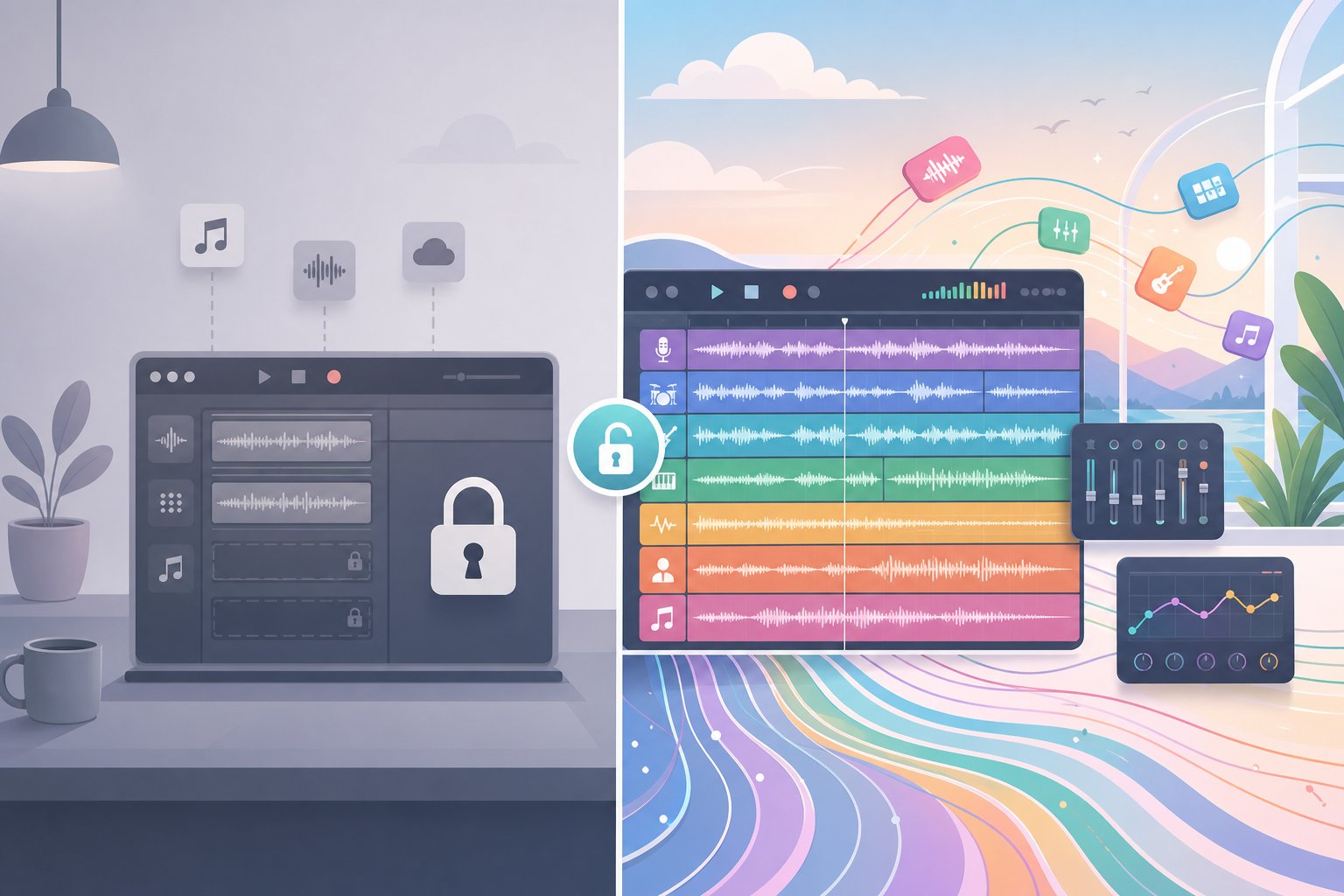
Free vs Paid AI Music Tools and What You Actually Get
That variation in pricing isn't just about dollar amounts. The word "free" means something fundamentally different depending on which platform you're using. Some tools let you generate full-quality audio at no cost but block commercial use. Others gate basic features like downloads behind a paywall while advertising a free tier that only lets you listen. If you've ever searched for the best free ai music generator reddit threads to find honest answers, you already know the frustration: most "free" claims come with fine print.
Genuinely Free AI Music Generators
Every major platform pulls on the same four levers to limit free-tier users: generation count, audio quality, commercial rights, and feature access. Understanding which levers a platform uses tells you more than its marketing page ever will.
Here's what you can realistically accomplish without paying anything:
- Generate a handful of songs per day (typically 5 to 50 depending on the platform) to test quality and workflow
- Listen to and share tracks informally with friends or on non-monetized social accounts
- Experiment with different genres, moods, and prompt styles to learn what works
- Evaluate vocal quality, instrumentation, and arrangement before committing to a subscription
- Download tracks in standard MP3 quality on some platforms (though others restrict downloads entirely)
- Use outputs as personal creative references, demos, or songwriting sketches
Open-source options like Meta's MusicGen remain fully free with no daily caps or paywalls, though the trade-off is lower audio fidelity and no vocal generation. For anyone comfortable with a more technical setup, it's the closest thing to unlimited free AI music creation available. Platforms like Suno offer generous daily credits on their free plan, producing the same audio quality paid users receive, just without commercial rights. Meanwhile, some of the best music making apps restrict free users to listen-only previews or embed audible watermarks every 20 seconds, making the output essentially unusable beyond evaluation.
If you're looking for a free ai music video generator, be especially cautious. Tools combining music generation with video creation almost always require payment for export. The free tier typically previews what's possible without delivering a usable file.
When Paid Plans Become Worth It
The honest answer: the moment you want to do anything commercial with your output. Free tiers are designed for exploration and evaluation. They accomplish that well. But the ceiling arrives fast once your needs go beyond casual experimentation.
Upgrading makes sense when you hit any of these scenarios:
- Commercial projects: Monetizing on YouTube, releasing to Spotify, using tracks in client work, or licensing to businesses all require a paid plan on virtually every platform
- Higher volume: If you're generating more than a few tracks daily, whether for a content calendar or to find the right sound through iteration, free credits run out quickly
- Better audio quality: Some platforms reserve higher bitrate exports and enhanced model versions for subscribers
- Stem downloads: Pulling apart drums, bass, and vocals for further editing in a DAW is almost universally a paid feature
- Removing watermarks: Platforms that add audio tags to free-tier output only deliver clean files on paid plans
- Advanced features: Extended song lengths, Suno Canvas editing tools, inpainting, and remix capabilities often sit behind the paywall
Pricing across the best music creation apps changes frequently, so checking current rates directly on each platform before subscribing is worth the extra minute. What was $10 a month six months ago might now include different feature bundles or credit allotments. The competitive pressure between platforms also means prices trend downward over time, and promotional trials appear regularly.
One detail worth noting: commercial rights on some platforms only apply to tracks created while you're actively subscribed. Generating songs on a free tier and upgrading later doesn't retroactively grant you commercial use of those earlier creations. If you're planning to monetize, subscribe first, then create.
A paid subscription to an AI music generator typically costs less per month than a single track from a traditional royalty-free library. For creators who need ongoing background music, a free ai music finalizer for polishing tracks, or regular song output for content, the math favors subscribing early. The real question isn't whether these tools are worth paying for. It's which platform's paid tier matches your specific creative and commercial needs, and that depends on who you are and what you're building.
Who Benefits Most from AI Music Tools
Your workflow shapes which tool category makes sense. A podcaster who needs a 30-second intro has almost nothing in common with a game developer scoring two hours of adaptive audio. Lumping every user into one recommendation doesn't work. Instead, here's how different creative roles map to different AI music approaches.
Content Creators and Podcasters
YouTubers, TikTok creators, and podcasters share the same core requirement: royalty-free audio that won't trigger copyright strikes or eat into production budgets. They need tracks fast, they need variety, and they need clear commercial licensing.
For these creators, the ideal tool generates background music on demand, allows duration customization to match video cuts, and provides unambiguous rights for monetized content. Mood-driven generators like Mubert and Soundraw fit this workflow perfectly because they produce instrumentals designed to sit underneath voice rather than compete with it. If you're building an ai music video for social media, speed and licensing clarity matter more than production complexity. A podcaster scoring episode segments or creating theme music songs for recurring show intros benefits from tools that let you set a mood and length, then export immediately.
Musicians Seeking Inspiration and Collaboration
Working musicians don't usually need AI to replace their creative process. They need it to accelerate the parts that slow them down. Berklee Online instructor Ben Camp describes spending entire sessions generating hundreds of AI versions of a single lyric just to identify which phrasing lands best. As he explains, hearing a song performed in folk, then soul, then dubstep instantly reveals whether the underlying lyric works or falls flat.
This is where AI shines as a collaborator rather than a replacement. Songwriters use it to break through creative blocks, test melodic ideas without booking studio time, and explore arrangements they wouldn't have considered on their own. A rapper looking for a quick ai rap demo can generate beats in seconds, lay down vocals, and evaluate whether the concept has legs before investing in full production. Tools functioning as a rap maker or song mashup maker let hip-hop artists blend style elements from multiple genres into experimental hybrid tracks without needing a full production team.
Platforms with reference-track upload or voice cloning, like Mureka, serve musicians who already have a creative direction and want AI to fill in the production gaps around it.
Game Developers and Filmmakers
Scoring a game or film introduces constraints that casual music generation doesn't address. You need emotional consistency across scenes, tracks that loop cleanly without audible seams, and compositions that adapt to variable durations. A two-minute cutscene needs a different energy arc than a 45-second trailer.
Filmmakers benefit from stem-based generators that let them pull out individual layers for mixing against dialogue. Tools like Stable Audio and Beatoven excel here because they prioritize emotional coherence and spectral clarity, leaving room in the mid-range frequencies so voiceovers sit cleanly on top. Game developers working on adaptive soundtracks look toward platforms with API access, like Mubert, where audio can respond dynamically to in-game events rather than playing as a static file.
Businesses and Commercial Projects
Brand audio lives in a specific niche: short, memorable, and legally airtight. Businesses need everything from a 10-second commercial jingle for advertising to ambient business background music for retail spaces, corporate presentations, and hold music. The stakes are different here. A copyright dispute on a branded asset is far more damaging than on a personal YouTube video.
For commercial projects, platforms offering flat-subscription royalty-free licensing with explicit commercial rights, such as Mubert, Soundraw, and Beatoven, reduce legal risk to near zero. The output doesn't need to be chart-worthy. It needs to reinforce brand identity consistently and never create a licensing headache.
To summarize which tool approach fits which need, here's a quick categorization:
- Best for vocals and full songs: Platforms with AI singing, lyrics input, and structured verse-chorus generation (Suno, MakeBestMusic, Mureka)
- Best for background music: Royalty-free instrumental generators with mood controls and duration matching (Mubert, Soundraw, Beatoven)
- Best for commercial use: Tools with unambiguous flat-fee licensing and no per-track royalties (Mubert, Soundraw)
- Best for customization: Stem-based systems with post-generation editing and section-level control (Soundraw, Stable Audio, Udio)
- Best for beginners: Minimal-input platforms that generate usable output from a single sentence (Boomy, Suno free tier, Tad AI)
Your use case narrows the field faster than any feature comparison ever will. But choosing the right category is only half the equation. What you can legally do with the output, and what ethical considerations come along with it, shapes whether AI-generated music actually works in professional contexts.
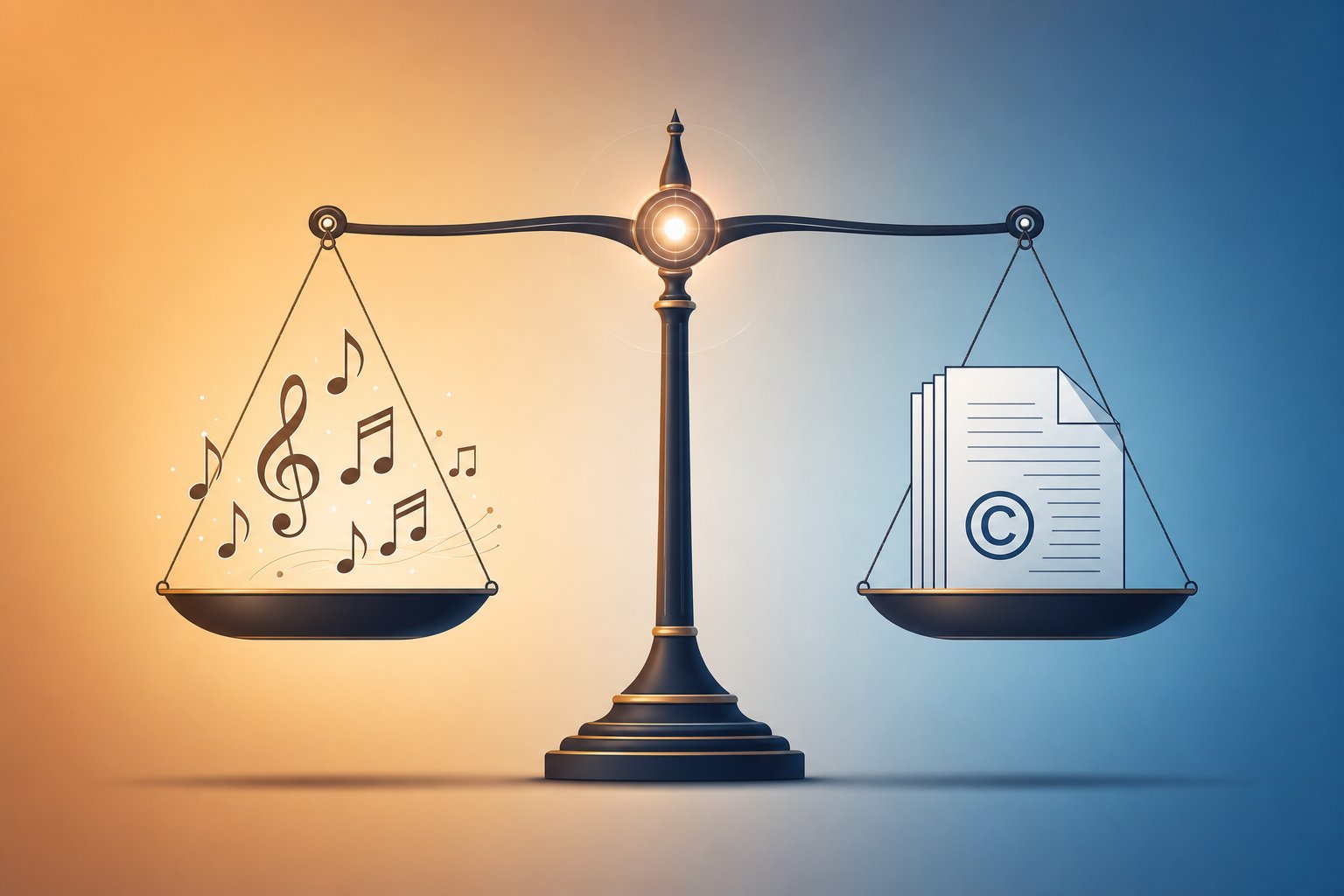
Commercial Rights, Licensing, and the Ethics of AI Music
Legal clarity separates a usable creative tool from a liability waiting to surface. Yet most AI music platforms bury their licensing terms deep in settings pages, and the broader legal framework remains genuinely unsettled. If you're generating a custom song for a client project or publishing a personalized song on streaming platforms, understanding who actually owns that audio matters more than any feature comparison.
Who Owns AI-Generated Music
Here's the uncomfortable truth: no one is entirely sure, and the answer depends on where you live. Copyright law was designed around a core assumption that a human being creates something original. When an AI system generates a track from a text prompt with minimal human intervention, that foundational premise gets shaky.
In the United States, the U.S. Copyright Office has taken a firm stance: works created entirely by AI without human authorship are not eligible for copyright protection. The U.S. Supreme Court reinforced this position by declining to hear Thaler v. Perlmutter in March 2026, effectively upholding lower court rulings that AI-generated works require human creative input to qualify for protection. Typing a prompt alone generally isn't considered sufficient human control to warrant copyright.
The EU takes a similar human-authorship approach but layers on transparency requirements through the EU AI Act, which mandates disclosure when content is AI-generated. The UK sits in an interesting middle ground. Its Copyright, Designs and Patents Act of 1988 theoretically allows copyright in computer-generated works, attributing authorship to the person who arranged for the work's creation, but recent debates have put this approach under review.
What does this mean practically? If you generate a track using AI and publish it as-is, you may have limited or no copyright protection over that output. However, if you substantially edit, arrange, or build upon the AI's output, adding human creativity to the mix, your contributions may receive protection. The more you shape the final result through deliberate creative choices, the stronger your ownership position becomes.
For creators searching for a music AI creator without copyright restrictions, the reality is nuanced. Platform terms of service, not copyright law, typically govern what you're allowed to do with generated audio. That contractual permission to use the output is different from owning it in a legal sense.
Commercial Use Rights and Licensing Terms
Even without guaranteed copyright, you can still use AI-generated music commercially, because platforms grant you a license to do so. But the terms of that license vary wildly across the landscape.
The spectrum looks like this:
- Full commercial rights on all tiers: Some platforms let you monetize output immediately, even on free plans, with no restrictions on where the audio appears
- Commercial rights only on paid plans: Many tools, including Suno and Boomy, restrict monetization to subscribers while allowing free users to generate and listen only
- Partial ownership retained: Certain platforms reserve the right to reuse or sublicense generated content, particularly on free-tier plans, meaning your track isn't exclusively yours
- Streaming platform restrictions: Some tools limit distribution to specific channels or cap the number of tracks you can release monthly
- Royalty-free with attribution: A handful require credit in exchange for commercial use
One key differentiator worth highlighting: Soundraw trains its AI exclusively on music produced in-house by its own team of producers rather than on copyrighted material scraped from the internet. This means every track generated on the platform is built from sounds that Soundraw owns outright, reducing downstream infringement risk to near zero. Their licensing model grants users full rights to use generated music for personal or commercial projects, a level of clarity that's rare in this space.
If you need royalty free jazz music for a podcast intro, royalty free podcast intro music for recurring episodes, or song stock for a video library, always verify the specific platform's current terms before publishing. Licensing policies update frequently, and what applied when you signed up may have shifted since.
A critical detail many creators miss: on some platforms, commercial rights only apply to tracks created during an active subscription. If you generate songs on a free tier and upgrade later, those earlier tracks may not receive retroactive commercial clearance. Create after subscribing, not before.
The Ethical Debate Around AI Music
Beyond the legal mechanics, a broader ethical conversation shapes this industry. It's worth understanding both sides before deciding how you engage with these tools.
The core tension: most AI music models learn from existing music. When that training data includes copyrighted works used without the original artists' permission, legitimate concerns emerge. In a high-profile case, the RIAA sued Suno and Udio for allegedly training on copyrighted music, a case that could set significant precedent for how these platforms operate going forward.
Artists and composers hold diverse views. Grammy-winning producer Oak Felder sees AI as a potential collaborator: "AI could be an incredible tool for creators. It could help with writer's block or generate new ideas we hadn't considered." Nick Cave takes the opposing stance, arguing that songs "arise out of suffering" and that algorithms fundamentally cannot replicate the human struggle inherent in genuine musical creation.
The displacement concern is real. If businesses can generate a custom song or personalized song for a fraction of what a session musician costs, working musicians face genuine economic pressure. At the same time, proponents argue that AI democratizes music creation for people who could never afford professional production, expanding who gets to make music rather than shrinking the field.
When choosing an AI music tool, evaluate not just what it can produce but how it was built. A platform trained on ethically sourced material with transparent licensing gives you creative freedom and peace of mind. One built on contested training data may produce great output today but carry legal and reputational risk tomorrow.
There's no single right answer here, and this article won't pretend otherwise. What matters is making an informed choice: understanding where your tool's training data came from, what rights you're actually receiving, and whether the platform's approach aligns with your own values around creative work. The legal and ethical landscape will continue evolving rapidly, and the creators who stay informed will be best positioned to use these tools confidently.
That confidence matters most when you understand what these tools can't do. Because for all their impressive capabilities, AI music generators still hit real walls, and knowing where those limits are saves you from frustration and misplaced expectations.
Honest Limitations of AI Music Generation
Every marketing page shows you the best possible output. Nobody leads with the track that fell apart at the bridge or the vocal that glitched mid-word. If you've browsed any ai generated music reddit thread, you've seen the pattern: impressive cherry-picked demos from platforms, followed by user comments describing far more inconsistent real-world results. That gap between marketing and reality is worth addressing head-on.
Where AI Music Still Falls Short
A University of York study found that musically trained listeners consistently rated AI-generated excerpts lower than human-composed works across every measured criterion: stylistic success, aesthetic pleasure, melody, harmony, and rhythm. The same research revealed that transformer-based architectures, the backbone of most modern generators, sometimes copy large chunks of training data in their output rather than producing genuinely novel compositions.
These findings align with what regular users report. Discussions on ai music generator reddit communities frequently highlight the same recurring frustrations: tracks that start strong but become structurally repetitive after 30 seconds, vocal synthesis that occasionally produces metallic artifacts or unnatural phrasing, and compositions that lose harmonic coherence in longer pieces. Neural networks trained on pattern recognition excel at short-form structure but struggle when a piece needs to evolve, surprise, or breathe the way a human arrangement does.
The emotional dimension remains the hardest gap to close. Human musicians make micro-timing decisions, dynamic swells, and phrasing choices rooted in lived experience. AI can approximate these patterns statistically, but the result often feels polished yet emotionally flat, like a technically correct performance missing the vulnerability that makes music resonate. As industry analysis notes, AI music quality suffers most when models fail to interpret emotional nuance and timing variations.
The Quality Spectrum You Should Expect
Not all AI music sits at the same quality level. Background instrumental generators produce reliably usable output because the bar is lower: the music needs to support content without drawing attention to itself. Full song creation with vocals and complex arrangements operates in a much harder space where flaws become obvious.
Here are the specific limitations you should anticipate with current tools:
- Repetitive song structures, especially in tracks longer than two minutes, where verses and choruses begin recycling melodic ideas
- Vocal artifacts including occasional glitches, unnatural vibrato, mispronounced words, and robotic transitions between syllables
- Difficulty with complex time signatures, jazz harmony, or unconventional song forms that deviate from pop structures
- Limited dynamic range, with tracks tending toward a consistent energy level rather than building and releasing tension naturally
- Genre inconsistencies where a track drifts between styles mid-song, especially with vague or multi-genre prompts
- Lyrics that rhyme but lack narrative depth, emotional specificity, or coherent storytelling across verses
- Mastering quality that sounds compressed or over-processed compared to professionally engineered releases
Will AI get better at helping with making music? Almost certainly. Each model generation shows measurable improvement, and the pace of advancement in audio synthesis has been dramatic. But the honest current state is this: AI excels at functional music production, including loops, demos, background tracks, and creative starting points, while still falling short of chart-quality full productions without human refinement. If you browse the best ai music generator reddit recommendations or ai song generator reddit threads, you'll find experienced users echoing this same consensus. The technology is genuinely useful today, just not for everything, and setting expectations correctly prevents disappointment.
Knowing these boundaries doesn't diminish what AI music tools offer. It sharpens your approach. When you understand where AI performs well and where it needs your guidance, the process of creating your first track becomes far more productive, and far less frustrating, than going in blind.
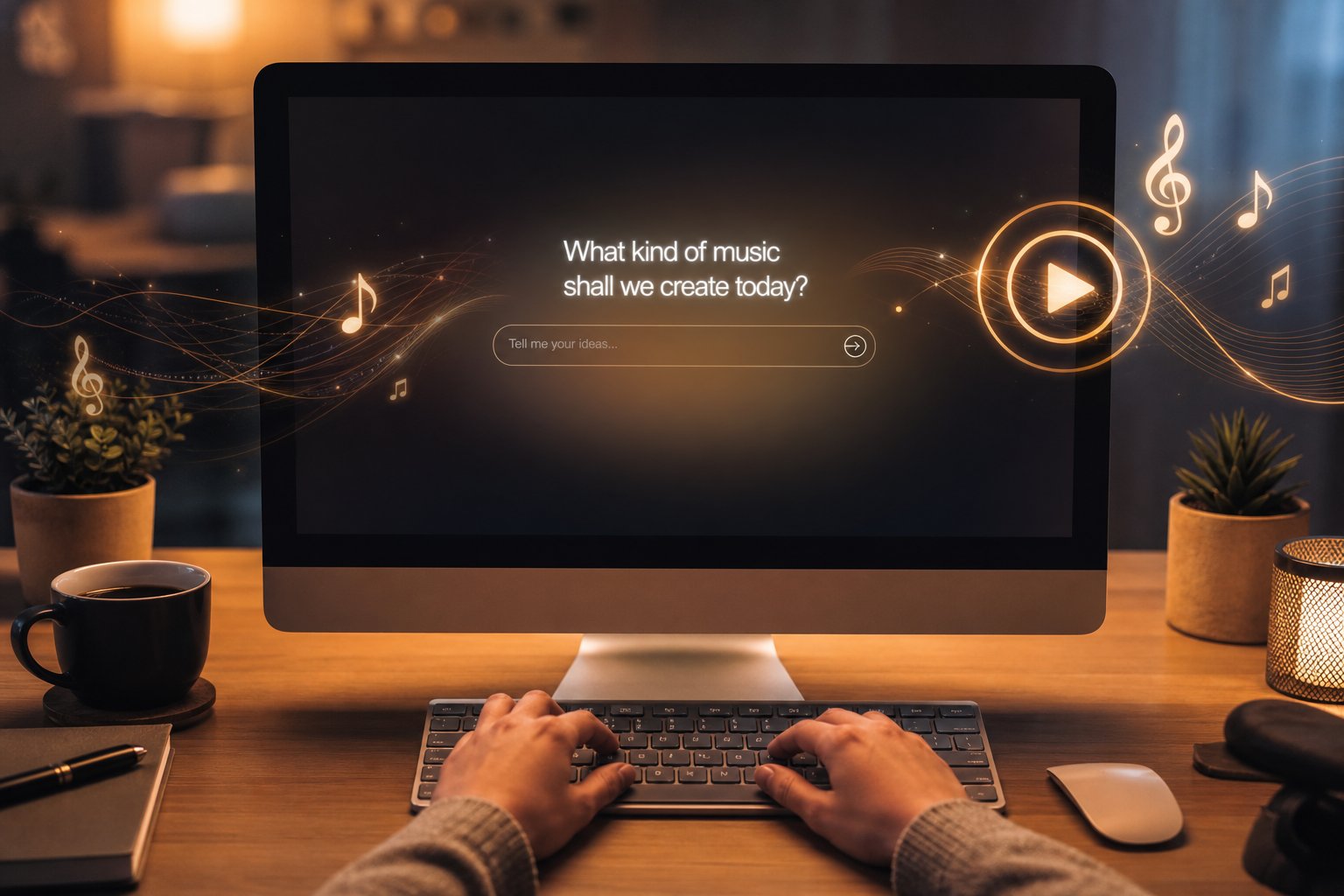
Getting Started with Your First AI-Generated Song
Understanding limitations is useful. Actually making something is better. If you've read this far and feel ready to experiment, the gap between curiosity and a finished track is shorter than you might expect. No instrument skills required, no studio, no theory knowledge. Just a clear idea of what you want to hear and a few minutes to spare.
Your First AI-Generated Song in Minutes
So how do you make a song with AI? The workflow is surprisingly consistent across platforms, even though interfaces differ. You describe, generate, listen, and refine. That's it. The entire cycle from blank screen to playable audio takes less time than brewing coffee.
Here's the general process, regardless of which tool you choose:
- Pick a platform: If you want the full prompt-to-song experience with vocals, MakeBestMusic is a strong starting point. It handles lyrics, style direction, and complete song generation in one streamlined interface, so you can experience the entire pipeline without bouncing between tools.
- Describe your song: Type a prompt covering genre, mood, tempo, and instrumentation. Something like "upbeat indie pop with electric guitar, warm female vocals, and a nostalgic summer feel" gives the AI enough direction to produce something coherent on the first try.
- Add lyrics (optional): If you want to learn how to write song lyrics for AI, structure them with section tags like [Verse], [Chorus], and [Bridge]. Keep lines between 6 and 12 syllables for natural vocal delivery. If you don't have lyrics, most platforms generate them automatically based on your prompt.
- Generate and listen: Hit the create button and wait 30 seconds to two minutes. Listen with a critical ear. Does the genre match? Are the vocals clear? Does the energy feel right?
- Iterate: Your first generation rarely nails everything. Adjust your prompt, swap a genre descriptor, add more specificity about the mood, and generate again. Experienced users typically produce 2 to 3 versions before landing on a keeper.
- Download and use: Once you have a track you're happy with, export it in your preferred format. Check your plan's licensing terms before publishing anywhere commercial.
That's how to make your own song with AI. No chord progressions to memorize, no recording sessions to schedule. The entire creative bottleneck shifts from technical execution to creative direction, which is exactly where most people's strengths already lie.
Tips for Getting Better Results from AI Music Prompts
The prompt is where your creative leverage lives. A vague input produces generic output. A specific, well-structured prompt gets you dramatically closer to what you're imagining on the first attempt. Based on patterns from prompt engineering guides and experienced users, here's what consistently works:
Be explicit about genre and era. "Rock" is too broad. "90s alternative rock with grunge-influenced guitar tones" anchors the AI immediately. Stacking related descriptors helps the model lock onto a style rather than drifting between them.
Name the mood twice. Reinforcing emotional direction reduces mismatches. "Melancholy, reflective, minor key" is more reliable than just "sad." Think of it as giving the AI multiple angles on the same emotional target.
Specify instrumentation. Listing instruments, like "fingerpicked acoustic guitar, soft brushed drums, upright bass, and gentle piano," gives the arrangement clear boundaries instead of leaving everything to chance.
Reference energy level and tempo. Words like "slow," "driving," "laid-back," or explicit BPM values ("75 BPM") control pacing directly. If tempo feels wrong in your output, this is usually the first thing to adjust.
Use a song idea generator for starting points. If you're stuck on concepts, many platforms include built-in song topic generators or style randomizers that spark direction when you're facing a blank prompt box. They work well as creative kindling even if you rewrite the suggestion entirely.
How can you make a song that sounds polished rather than generic? The answer almost always comes back to prompt specificity. Treat your text input the way a producer treats a creative brief: the clearer your vision going in, the less revision you need on the other side. And if you want to know how to create songs consistently rather than relying on luck, develop a personal prompt template covering genre, mood, vocals, instruments, and tempo. Fill in the blanks each time, and your hit rate climbs fast.
The best part about AI music generation is that experimentation costs nothing but a few minutes. Generate ten versions. Try wildly different genres with the same lyrics. Discover sounds you never would have attempted if you had to learn an instrument first. The technology handles the production. You bring the taste and creative direction that makes it yours.
