

What Actually Qualifies as an AI-Generated Music Video
Search for which startup produces the best AI-generated music videos and you'll find dozens of tool lists. Feature comparisons. Pricing charts. What you won't find is a clear answer to the more fundamental question: what actually counts as an AI-generated music video in the first place?
The distinction matters more than most creators realize. Not every AI music video is built the same way, and the category you're working within determines the quality ceiling, the creative control you retain, and ultimately which company deserves your attention.
Defining AI-Generated Music Videos vs AI-Assisted Editing
Three separate categories get lumped together under the "AI music video" umbrella, and they represent fundamentally different workflows:
- Fully AI-generated music videos — Visuals created entirely by AI from audio input. You feed in a song, and the system produces original imagery, motion, and scene transitions without any human-shot footage. The AI interprets beat, rhythm, mood, and sometimes lyrics to generate every frame from scratch.
- AI-assisted editing — Human-captured footage enhanced, cut, or restructured by AI tools. You still shoot the video, but AI handles tasks like automatic scene detection, color grading, or rhythm-synced cuts. The creative raw material is human-made.
- AI-enhanced footage — Filters, style transfers, or visual effects applied to existing video. Think of neural style transfer that makes your footage look like a painting, or real-time effects that react to audio frequency. The underlying footage remains yours.
The gap between AI video generation and traditional video editing is significant. Traditional editing requires manually arranging, cutting, and refining footage, while fully generative systems produce visuals from nothing but data inputs. When you're evaluating the best AI generated video for music, you need to know which category a tool actually operates in.
An AI-generated music video is one where all visual content is produced by artificial intelligence directly from audio input, without reliance on human-shot footage, pre-existing video clips, or manual frame-by-frame editing.
Why the Startup Behind the Tool Matters
So why focus on startups rather than just ranking products? Because the company behind a tool shapes its output in ways a feature list never reveals.
A founding team with roots in music production approaches beat synchronization differently than a team from the computer vision world. A startup funded to solve music visualization builds its entire architecture around audio-reactive generation, while a general-purpose AI video company adds music features as an afterthought. The mission statement, the training data strategy, the technical talent on the team — these decisions compound into visible quality differences in what the tool actually produces.
Consider the parallel in broader AI video. Platforms like Visla built their identity around end-to-end business video workflows, which shaped every product decision they made. The same principle applies in the music video space: a startup's origin story predicts its strengths and blind spots better than any spec sheet.
This article takes a different approach than the typical product roundup. Instead of listing which company makes the best AI-generated music videos based on surface-level features, we're analyzing the startups themselves — their technical architectures, their team DNA, and how those factors translate into the videos musicians actually care about producing. The founding vision behind each tool is the lens that explains why one platform nails electronic music drops while another struggles with anything beyond four-on-the-floor beats.
That distinction between product and company becomes even sharper when you examine the specific technical approaches these startups have chosen to pursue.
The Startups Behind Today's Best AI Music Video Companies
A tool is only as good as the team that built it. When you're trying to identify the best AI music video companies 2026 and beyond have produced, the product interface tells you very little about what's happening underneath. The founding team's expertise, their funding trajectory, and their stated mission — that's where you find the real signal about output quality and long-term viability.
These startups split into two distinct camps. One group was born specifically to solve the music-to-visual problem. The other entered the music space sideways, adapting general-purpose video generation tools for audio use cases. Both can produce compelling results, but their strengths land in very different places.
Music-Video-First Startups and Their Origins
Music-video-first companies share a common trait: their founders understood the relationship between sound and image before they ever wrote a line of generative AI code. These teams typically include musicians, audio engineers, or music technologists who experienced the pain of visual content creation firsthand.
Beatviz exemplifies this category. Rather than building a general video engine and bolting on audio analysis later, Beatviz was designed around musical responsiveness from day one. The platform analyzes tempo, beat patterns, dynamic changes, and emotional tone before generating a single frame. Visuals grow directly out of the song's structure — drops trigger visual shifts, bridges create transitional flows, and intensity maps to motion energy. For independent musicians and producers, this approach means the output feels connected to the track rather than laid on top of it.
Cremi AI takes a similar music-first philosophy, focusing on enabling creators to produce visually rich content tied to their audio without requiring video production expertise. Platforms in this category tend to prioritize beat-sync accuracy and emotional mapping over raw visual fidelity, which is a deliberate trade-off rooted in their founding teams' understanding of what musicians actually need.
What sets these startups apart is their training focus. When your entire dataset and model architecture is optimized for audio-visual correlation, you get tighter synchronization and more genre-aware outputs. The limitation? They typically offer fewer general-purpose video editing capabilities because they never set out to build those.
General AI Video Companies Entering the Music Space
The second category includes companies that built powerful video generation engines first and then recognized music as a high-demand use case. These are often the names that show up in any adobe firefly review or broader AI creative tool comparison — companies competing across multiple content verticals simultaneously.
Reactor is a compelling example. Founded by Alberto Taiuti and Bryce Schmidtchen — both former technical leads on the Apple Vision Pro — the company raised $59 million in Series A funding led by Lightspeed Venture Partners, with participation from Jeffrey Katzenberg's WndrCo. Their mission centers on real-time AI video generation, not music specifically. But their infrastructure, which produces video instantaneously rather than through batch processing, has obvious applications for live music visualization and real-time concert visuals. Reactor's team includes engineers from Apple, Netflix, Meta, Google, and Adobe, giving them deep expertise in graphics and interactive media.
Runway and Pika represent another tier of general AI video generators that musicians increasingly use. Their models produce high-quality visuals across many styles, but they lack native audio-reactive generation. You're essentially generating video separately and syncing it to music manually — a workflow that works but requires more creative direction from the user.
The trade-off with general platforms is clear: you get more visual power and broader stylistic range, but less automatic musical intelligence. The tool won't inherently understand that a bass drop should trigger a visual climax unless you explicitly prompt for it.
How Founder Backgrounds Shape Product Quality
Imagine two startups building the same feature — beat-synchronized visual transitions. The music-first team approaches it by analyzing waveform data, identifying transients, mapping BPM to frame rate, and building transition libraries organized by musical genre. The computer-vision-first team approaches it by detecting audio peaks and triggering pre-built visual effects at those timestamps.
Both work. But the musical depth of the output differs substantially. Founder backgrounds create a kind of gravitational pull on product decisions that accumulates over hundreds of development cycles.
Here's how the leading startups stack up when ordered by their specialization level in music video generation:
- Beatviz — Purpose-built for music visualization; audio-reactive architecture is the core product, not an add-on feature
- Cremi AI — Music-focused creative platform designed for artists and content creators producing audio-visual work
- Reactor — Real-time generative video infrastructure with strong potential for live music and interactive audio-visual experiences
- Runway — Leading general AI video creation company with broad stylistic capabilities; music use requires manual sync workflows
- Pika — General-purpose video generator popular among creators; supports music video creation through prompt-based generation rather than native audio analysis
You'll notice that ranking the best ai video generators 2026 has produced depends heavily on what you're optimizing for. If you want tight audio-visual correlation with minimal manual effort, music-first startups win. If you want maximum visual quality and don't mind handling synchronization yourself, the general platforms offer more raw power.
This distinction also explains why an adobe firefly review focused on creative image generation won't tell you much about music video quality — the underlying priorities of the product team point in a different direction entirely.
Knowing which camp a startup belongs to gives you a useful shorthand, but it doesn't explain how they actually generate the visuals. The technical architecture underneath — whether diffusion-based, GAN-powered, or something more specialized — determines the ceiling of what's possible and where each tool hits its limits.
Technical Approaches That Set Each Startup Apart
A startup's founding story tells you where it wants to go. Its technical architecture tells you what it can actually deliver. When you're evaluating the best video generation models for music, the underlying engine matters more than the marketing copy. Two tools can promise "beat-synced AI visuals" while using fundamentally different approaches — and those differences show up in every frame of your output.
Three dominant architectures power today's AI music video startups: diffusion models, generative adversarial networks (GANs), and audio-reactive neural systems built specifically for sound-to-image translation. Each handles the core challenge differently — maintaining visual consistency across a full three-to-four-minute song while keeping visuals locked to rhythm and mood.
Diffusion Models vs GANs for Music Visualization
Diffusion models work by starting with pure noise and gradually refining it into a coherent image, step by step. Imagine static on a TV screen slowly resolving into a crisp scene — that's the basic principle. For video, this process extends across frames, with the model learning to maintain consistency between them through temporal attention mechanisms that track what should persist from one frame to the next.
The strength of diffusion-based systems lies in visual richness. They produce detailed textures, complex lighting, and diverse artistic styles. Models like Stable Video Diffusion use a factorized space-time architecture — spatial layers handle what each frame looks like, while temporal layers handle how frames relate to each other over time. This separation lets the model process visual quality and motion coherence as distinct problems.
GANs take a different path. A generator network creates images while a discriminator network judges whether they look real. This adversarial training loop produces outputs quickly — often in a single forward pass rather than the iterative refinement diffusion requires. For music videos, that speed translates to faster rendering and potential real-time generation.
The trade-off? GANs tend to produce less diverse outputs and can struggle with complex scenes. They're excellent at generating smooth, stylistically consistent motion within narrow visual domains (think abstract particle systems or fluid animations), but they lack the compositional flexibility of diffusion models when you need narrative scenes or realistic environments. If you're searching for the best video generation ai 2026 offers for music, the choice between these architectures often comes down to whether you prioritize visual complexity or generation speed.
Audio-Reactive Architectures and Beat Synchronization
Here's where music-first startups diverge most sharply from general video generators. A standard diffusion or GAN model doesn't inherently "hear" anything. It generates visuals from text prompts or noise — audio is external to its architecture. Music-first platforms build audio analysis directly into the generation pipeline.
An audio-reactive architecture typically works in stages. First, the system extracts musical features: BPM, beat timestamps, frequency spectrum, energy levels per segment, and structural boundaries like verse-chorus transitions. Research from Dolby Laboratories demonstrates how systems can decompose audio into stems, detect individual instrument events, compute segment-level energy scores, and map these features to synchronized visual outputs.
These extracted features then condition the visual generation process. A kick drum transient might trigger a brightness pulse. A sustained chord might control color saturation. A tempo change might shift the rate of visual morphing. The best video engine for music videos doesn't just react to amplitude — it understands musical structure and maps distinct elements to distinct visual behaviors.
BPM synchronization accuracy varies dramatically between implementations. Simple systems detect peaks in the audio waveform and trigger effects at those timestamps — functional, but musically shallow. Advanced systems perform full beat and downbeat tracking, identify functional segments (intro, verse, chorus, bridge), and modulate generation parameters differently for each section. This is the best setup for ai video generation when musical coherence is the priority.
The core challenge with longer songs is what researchers call temporal drift — the gradual loss of visual consistency across frames. A face subtly changes shape, a background element shifts position, and the style slowly wanders from where it started. Most video generation models operate with a limited temporal context window, meaning they only retain information from a fixed number of previous frames. Once earlier frames fall outside that window, small inaccuracies propagate forward and compound over the duration of a song.
How Training Data Shapes Visual Output Quality
Architecture gets the headlines, but training data quietly determines output ceiling. What a model has seen dictates what it can produce — and more importantly, what it can maintain coherently over time.
Startups using proprietary music video datasets (curated collections of professional music videos with corresponding audio features) produce outputs that feel like actual music videos rather than generic AI animation. Their models learn genre-specific visual conventions: the rapid cuts typical of hip-hop, the sustained abstract flows of electronic music, the narrative continuity of pop storytelling. Recent generative ai video tools updates 2026 has brought reflect a growing emphasis on dataset curation. Research on Stable Video Diffusion showed that a filtered, higher-quality training dataset produced better results even when significantly smaller than unfiltered alternatives — confirming that quality trumps quantity for visual coherence.
Startups relying on general video datasets or best open source video generation models 2026 can draw from produce technically capable outputs, but these often lack musical awareness. The visuals may be beautiful frame-by-frame while feeling disconnected from the audio's emotional arc. Training data that pairs audio features with visual responses teaches the model a fundamentally different skill than training data that pairs text descriptions with video clips.
Here's how these architectures compare across the dimensions that matter most for music video creation:
| Architecture Type | Strengths | Weaknesses | Best-Suited Genres |
|---|---|---|---|
| Diffusion Models | High visual detail, diverse styles, strong compositional ability | Slower generation, higher compute cost, style drift in longer sequences | Pop, indie, cinematic narrative videos |
| GANs | Fast generation, smooth motion, real-time potential | Less visual diversity, limited scene complexity, mode collapse risk | Electronic, ambient, abstract visualizations |
| Audio-Reactive Neural Systems | Native beat-sync, musical structure awareness, genre-adaptive behavior | Often lower raw visual fidelity, dependent on audio feature extraction quality | EDM, hip-hop, any genre with strong rhythmic structure |
| Hybrid (Diffusion + Audio-Conditioning) | Combines visual quality with musical responsiveness | Complex to train, higher latency, requires large paired datasets | Cross-genre, professional-quality productions |
The ai video generation capabilities 2026 has unlocked sit at the intersection of these approaches. The most promising startups aren't choosing one architecture in isolation — they're building hybrid systems that use audio-reactive conditioning to guide diffusion-based generation, getting both musical intelligence and visual quality in a single pipeline.
Understanding these technical foundations helps explain the output differences you'll actually see, but architecture alone doesn't tell the full story. The practical question creators care about — resolution, duration, pricing, and whether the output is good enough for their platform — requires a direct comparison of what each startup actually delivers.
Comparing Startup Output Quality and Features
Architecture and training data shape what's possible, but what actually shows up on your screen? When you're choosing the best ai music video maker for your next release, the specs that matter are concrete: resolution, duration, how well the tool syncs to your beat, and what it costs per video. Here's where each startup currently lands across those dimensions.
| Startup / Tool | Max Resolution | Max Duration | Style Consistency | Beat-Sync Accuracy |
|---|---|---|---|---|
| MakeBestMusic | 1080p | Full song length | High (mood-matched scenes) | Moderate (energy-level mapping) |
| Freebeat | 1080p | Full song length | High (persistent characters) | High (phoneme-level lip-sync, bar-aware) |
| Beatviz | 1080p | Full song length | Moderate (abstract styles) | High (transient and BPM-driven) |
| Kaiber | 1080p | ~60 seconds (loop-focused) | Moderate (style drift in longer clips) | Low (energy-level only) |
| Runway Gen-4 | 1080p native, 4K upscale | 10 seconds per clip | Very high (cinematic consistency) | None (manual sync required) |
| Kling 3.0 | 1080p (4K on higher tiers) | 2 minutes per clip | High (physics-accurate) | Low (audio overlaid, not reactive) |
Output Resolution and Duration Capabilities
Resolution tells you where your video can live. A 1080p quality video generator handles YouTube, Instagram Reels, and TikTok without issue — these platforms compress heavily enough that the difference between native 1080p and 4K is negligible to most viewers. For creators searching for the best ai music video generator for youtube 2026, 1080p native output is the practical threshold for a professional-looking upload.
Duration is where the field splits. Music-first platforms like MakeBestMusic and Freebeat generate visuals across an entire track — three, four, even five minutes — because their architectures were designed around full-song workflows. General video generators like Runway and Kling produce clips measured in seconds. Building a full music video from 10-second Runway clips means generating dozens of segments and stitching them manually, introducing visible seams in roughly 60% of cases according to professional testing.
For independent musicians who need a complete visual to accompany a single release, this distinction is decisive. The best ai music video generator from audio is one that accepts your full track and returns a complete video — not a collection of fragments requiring editing expertise you may not have.
Pricing Tiers and What Quality You Get at Each Level
What do you actually get at each price point? The range between free tiers and premium plans isn't just about removing watermarks.
- Free tiers ($0) — Most platforms offer limited generations per month, lower resolution output (720p), or watermarked exports. Useful for testing whether a tool understands your genre before committing. If you're looking for a motionmuse free alternative or the best free ai video maker 2026 has available, free tiers from MakeBestMusic, Freebeat, and Kling let you evaluate without risk.
- Mid-range ($8–$30/month) — This is where most independent musicians land. You get 1080p exports, higher generation limits, and access to better style options. MakeBestMusic sits comfortably in this range as an accessible best ai music video creator for artists who need song-to-visual conversion without a steep learning curve. At this tier, outputs are clean enough for YouTube and social distribution.
- Premium ($30–$80+/month) — Higher visual fidelity, longer durations, priority rendering, and advanced controls like keyframe guidance or multi-character consistency. Runway's Unlimited tier and Kling's Pro plan live here, offering the raw visual quality that approaches broadcast standards — at the cost of requiring manual audio synchronization.
The honest reality: spending more doesn't always mean better music videos. A $76/month Runway subscription gives you stunning footage that has never heard your song, while a $10/month music-first tool gives you a synced, complete video ready for upload. Your workflow and technical comfort level matter as much as your budget when evaluating the best ai video generator tools 2026.
Broadcast-Ready vs Social-Media-Only Output
Can AI-generated music videos air on television or meet streaming platform delivery specs? The short answer: it depends on what "broadcast" means for your use case.
Broadcast standards require 4K UHD (3840x2160) at 10-bit color depth in Rec. 2020 color space. No music-first AI video startup currently delivers native output at that spec. Even general platforms like Runway and Kling achieve 4K only through upscaling, which adds sharpness but cannot generate the fine texture detail — visible fabric weave, individual hair strands, skin pore-level realism — that native 4K provides.
For the vast majority of independent musicians, this limitation doesn't matter. YouTube accepts 1080p uploads without quality penalties in recommendation algorithms. TikTok and Instagram compress everything regardless of input resolution. Spotify Canvas loops are 720p. If your distribution targets are social platforms and streaming services, a 1080p output from any music-first startup is genuinely production-ready.
Labels targeting television sync placements or large-format festival visuals will find current AI music video tools insufficient for native broadcast delivery. The gap is narrowing — Veo 3.1 and Kling 3.0 both support native 4K for short clips — but generating a full broadcast-spec music video end-to-end with AI alone isn't viable yet.
For everyone else — independent artists, YouTubers building visual content around their tracks, social creators producing short-form clips — platforms like MakeBestMusic deliver output that meets real-world distribution requirements without post-production overhead. The question isn't whether AI output is "good enough" for your platform. It almost certainly is. The real question is whether the generated visuals match your genre, your audience, and your creative intent — which brings us to how different startups handle different musical styles.
Which Startups Handle Your Music Genre Best
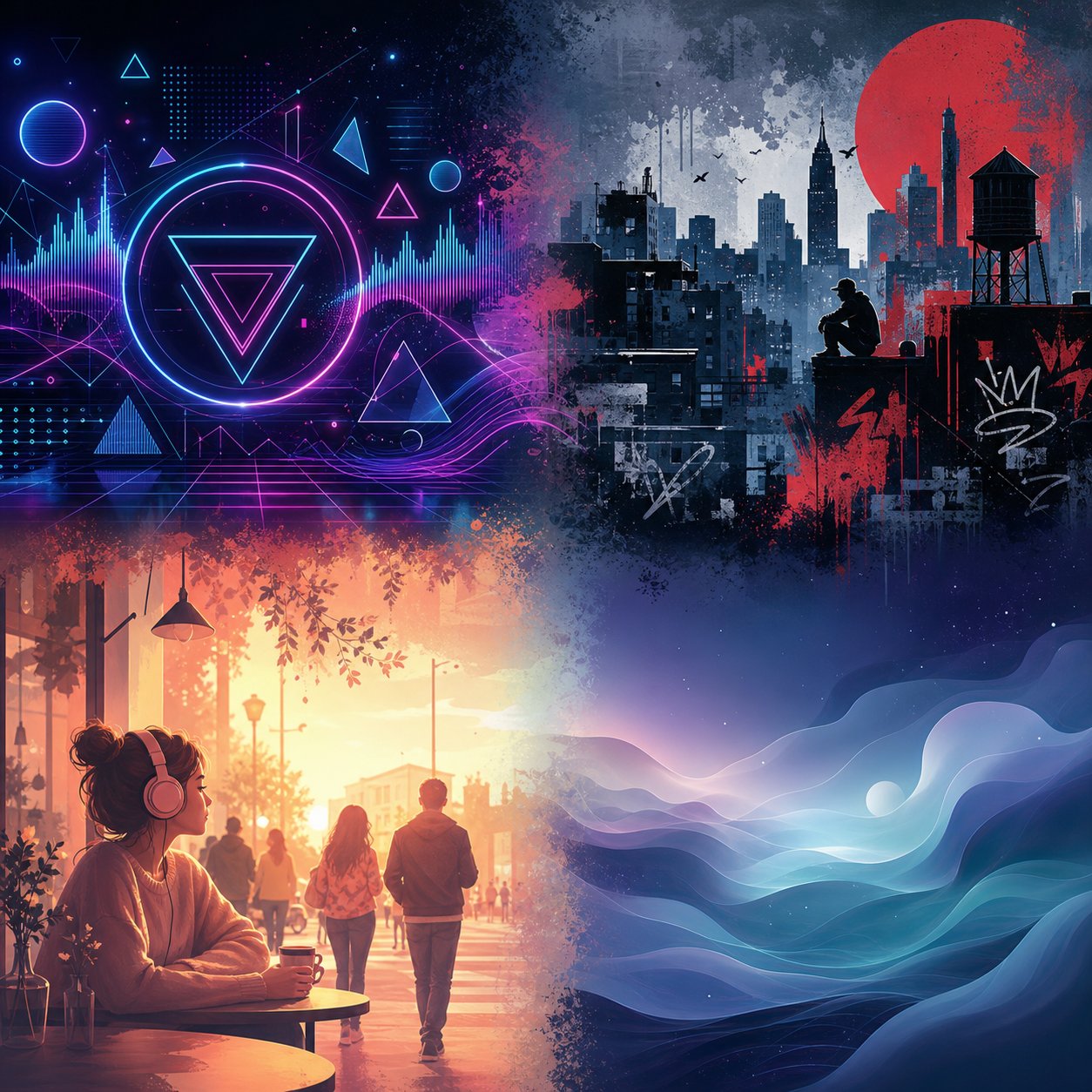
Genre isn't just a label on your Spotify profile — it's the single biggest predictor of whether an AI music video tool will deliver something usable or something embarrassing. The rhythmic clarity of a four-on-the-floor kick tells an audio-reactive system exactly where to place visual transitions. The freeform phrasing of a jazz ballad gives that same system almost nothing to work with. Choosing the best ai for music video creation starts with understanding how your genre's structure interacts with each startup's technical approach.
Electronic and EDM Visual Generation
Electronic music is where AI music video generators perform at their absolute peak. The reason is structural: EDM tracks feature precise, repetitive beat patterns, clear frequency separation between elements, and dramatic energy shifts at predictable intervals. Audio-reactive architectures thrive here because every kick, snare, and synth build provides unambiguous timing data.
Music-first startups like Beatviz and Vibesdrop translate synth builds and bass drops into pulsating geometric visuals, particle effects, and cyberpunk-inflected motion graphics that respond directly to audio frequencies. Kaiber's audio-reactive mode similarly excels with electronic tracks — its engine maps different frequency bands to distinct visual effects, so a hi-hat triggers sharp flickers while deep bass creates slower atmospheric shifts. When searching for the best ai animation video generator for an EDM release, platforms with native beat detection consistently outperform general-purpose tools.
The output quality ceiling for electronic music is genuinely high. Abstract and semi-abstract visuals sidestep the hardest problems in AI video generation — character consistency, realistic human motion, and narrative coherence — while letting the tool focus on what it does best: syncing motion to rhythm. If you're producing house, techno, or drum-and-bass, expect the strongest results from any music-first platform you test.
Hip-Hop and Rap Music Video Styles
Hip-hop presents a fundamentally different challenge. The genre's visual language relies on urban environments, text overlays, rapid cuts synced to flow changes, and — critically — performer presence. A great hip-hop video feels like it was shot on a specific street corner with a specific attitude. Replicating that energy through AI requires more than beat detection.
Startups handling hip-hop well need two capabilities working together: rhythm-aware editing (cuts that land on snare hits, camera moves that track cadence) and scene generation that produces culturally coherent environments. Freebeat stands out here with its approximately 90% lip-sync accuracy across 100+ languages and character consistency across 80+ shots — features purpose-built for performance-driven videos where a rapper needs to remain visually consistent throughout the track.
The limitation? AI still struggles with the subtle attitude and body language that defines hip-hop visual culture. Generated characters can look right without feeling right. For music cover videos where the performer's face matters, this gap is noticeable. The best ai music video generator for music cover videos 2026 has to offer still requires careful prompt engineering to capture the energy of a live performance rather than producing a generic standing figure.
Pop, Indie, and Ambient Genre Performance
Pop music demands narrative — character arcs, emotional progression, visual storytelling that mirrors lyrical themes. This is the hardest category for AI generation because it requires the system to maintain consistent characters across multiple scenes while evolving the visual story in ways that connect to the song's meaning. Diffusion-based systems handle this better than GANs because they offer stronger compositional control, but style drift over a full three-minute pop track remains a persistent issue.
For indie and folk artists seeking the best ai picture to video generator workflow, tools like Pika offer text-prompt-based visual generation where you can specify watercolor aesthetics or vintage film grain. The catch: Pika lacks native beat detection, so synchronization requires manual editing. If you're exploring best free ai image to video tools 2026 options for album art-to-video conversion, platforms like Runway Gen-4 deliver cinematic quality but demand you handle the audio-visual timing yourself.
Ambient and experimental music sits at the opposite end of the difficulty spectrum from electronic — but for different reasons. These genres lack traditional song structure. There's no clear verse-chorus boundary, no predictable drop, sometimes no consistent BPM. Audio-reactive systems that rely on beat detection essentially have nothing to lock onto. Neural Frames handles this better than most through its 8-stem audio analysis, which maps subtle spectral changes (not just beats) to visual parameters like color shift and slow morphing. For ambient work, generative abstract art that evolves gradually produces far stronger results than any tool trying to impose rhythmic structure where none exists.
Here's a practical summary of which startup category works best for each genre:
- Electronic / EDM / House — Music-first startups with native audio-reactive engines (Vibesdrop, Beatviz, Kaiber). Clear beat structure means high sync accuracy and strong abstract visual output.
- Hip-Hop / Rap — Hybrid platforms combining beat detection with character generation (Freebeat). Lip-sync and performer consistency are essential, limiting options to tools with character-lock features.
- Pop / Indie — Diffusion-based generators with narrative capability (Runway, Freebeat). Expect the best results when providing detailed prompts and accepting some manual scene curation.
- Ambient / Experimental — Stem-aware reactive tools (Neural Frames) or manual prompt-based systems. Avoid platforms optimized for beat detection — they'll impose structure your music doesn't have.
- Lo-fi / Chill — Platforms with genre presets and subtle visual animation (Vibesdrop, Kaiber). Anime-inspired loops and slow-motion aesthetics work well because visual complexity expectations are lower.
Your genre choice directly shapes your quality expectations. Electronic producers can expect near-flawless sync and polished output today. Pop artists should anticipate needing iteration cycles to get narrative coherence right. Ambient musicians will find the best ai image to video generators 2026 has produced deliver better results than pure audio-reactive tools, since their music's value lies in mood rather than rhythm.
Genre alignment explains a lot about output quality — but it doesn't explain the failures. Even the best-matched tool and genre combination produces artifacts, drift, and uncanny moments that every creator should understand before committing to a platform for a release.
Limitations and Failure Modes You Should Know About
Every AI music video tool has a highlight reel. Polished demos, cherry-picked outputs, curated galleries of the best generations. What you won't find on any startup's landing page is a frank discussion of where things break down. And they do break down — predictably, repeatedly, and in ways that can derail a release if you're not prepared.
Understanding these limitations isn't about discouraging you from using these tools. It's about knowing what to test before you commit your next single's visual identity to any platform.
Common Artifacts and Style Drift in Longer Videos
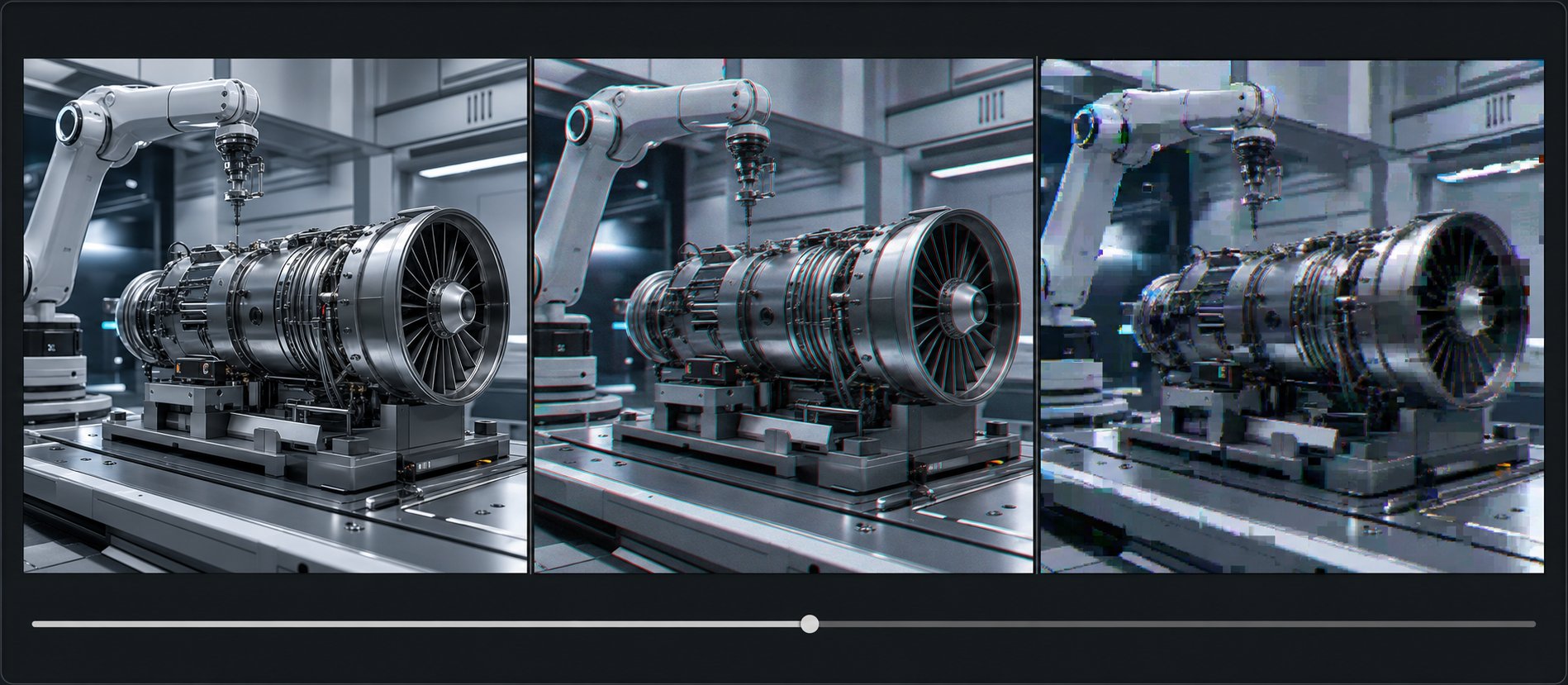
The most persistent failure in AI-generated music videos happens gradually. Your video starts looking coherent — consistent color palette, stable scene composition, smooth motion. Then somewhere around the 30-to-60-second mark, things begin to wander. Colors shift subtly. A character's outfit changes hue. The background elements rearrange themselves between cuts. This is style drift, and it remains the defining limitation of any long ai video generator in the current landscape.
Industry analysis confirms that even the best AI video models show noticeable degradation in quality after 20-25 seconds of continuous generation. For a four-minute song, that means your video passes through multiple drift cycles. Each generation segment introduces small inconsistencies that compound over the track's full duration.
Visual artifacts during complex motion sequences are equally common. Fast camera movements produce warping. Hands morphing through objects. Faces briefly distorting during head turns. Hair flickering between frames. These artifacts aren't random — they follow predictable patterns tied to the model's temporal context window. When earlier frames fall outside that window, the model essentially forgets what it established and fills gaps with its best guess.
How do startups handle this? Three strategies dominate:
- Duration limiting — Platforms like Kaiber cap generation length to 60 seconds or generate loop-based content, sidestepping drift by never letting it accumulate
- Segment stitching — Music-first tools like Freebeat and MakeBestMusic generate full-length videos by breaking the song into shorter segments and maintaining style parameters across them, reducing (but not eliminating) visible seams
- Keyframe control — Advanced platforms offer manual keyframes where you define the visual style at specific timestamps, giving the model anchor points that prevent unchecked drift
None of these fully solve the problem. They manage it. Creators aiming for the most realistic ai video output over a full track length should expect to generate multiple versions and select the cleanest result — a process that mirrors the iteration workflow recommended for any AI video project.
Lip-Sync Accuracy and Performer Generation Limits
When your music video features a performer — a rapper delivering bars, a singer emoting through a chorus — lip-sync accuracy becomes the single highest-stakes technical challenge. And it's one where current AI falls short of human expectations more often than not.
Research from LTX identifies several persistent challenges: angle and perspective issues arise when characters turn to profile views, multiple speakers increase processing complexity, and maintaining natural facial expressions beyond just mouth movements remains difficult. Less sophisticated systems produce mechanical results where only the mouth moves while the rest of the face stays eerily static.
For music videos specifically, the challenge intensifies. Singing involves exaggerated mouth positions, sustained vowels, and emotional facial expressions that shift rapidly with the melody. AI models trained on speech data perform reasonably well on conversational delivery but struggle with the extended phoneme shapes and theatrical expressions that singing demands. Rapid vocal delivery in hip-hop creates another failure mode — the model can't generate mouth shapes fast enough for double-time flows, producing a blur where precision is needed.
Audio quality dependency compounds these issues. Clean, well-recorded vocal tracks produce significantly better lip-sync than vocals buried in a busy mix. If your master has heavy vocal processing — autotune artifacts, reverb tails, layered harmonies — expect the AI to struggle with phoneme identification.
The most realistic ai video generator tools handle performer generation by keeping faces at medium distance (avoiding extreme close-ups), favoring frontal or three-quarter angles, and limiting emotional complexity. Some startups with the strictest ai video generation tools content policies 2026 restrict certain types of performer generation entirely — preventing deepfake-adjacent outputs while also limiting creative possibilities for legitimate music video use cases.
Creative Control vs Algorithmic Defaults
Here's the question that matters more than resolution specs or pricing tiers: does the output feel like your video or like a generic AI generation with your song playing over it?
Most startups default to algorithmic decisions. The AI chooses color palettes, scene compositions, transition timing, and visual motifs based on its training data. For creators who just want something visual to accompany their track on YouTube, this is fine. For artists with a specific visual identity, it's a problem.
The gap between expectation and reality in AI-generated visuals mirrors what's happening across the broader industry. Production professionals note that scene-to-scene consistency and continuity remain especially challenging — the same issues that plague corporate video generation apply directly to music videos, where visual storytelling needs to feel intentional rather than randomly assembled.
Creative control exists on a spectrum across startups. Prompt-based systems give you language-level control ("cyberpunk city at night, neon reflections, camera pushes forward") but no frame-level precision. Keyframe systems let you set specific visual targets at exact timestamps. Some platforms offer style locking where you upload reference images and the AI maintains that aesthetic throughout. Each approach trades convenience for control in different ways.
Before committing to any platform for an important release, watch for these red flags in your test outputs:
- Characters or environments that visibly change appearance between the first and last 30 seconds of the video
- Visual transitions that land off-beat — particularly during chorus entries or drops where timing precision matters most
- A "generic AI look" where outputs from different songs using the same tool are barely distinguishable from each other
- Motion artifacts during any scene involving hands, fingers, or complex body movement
- Color palette shifts that don't correspond to any musical change in the track
- Lip-sync that works on sustained notes but falls apart during fast syllabic passages
- Inconsistent text or symbols appearing briefly in backgrounds (a telltale sign of poorly filtered training data)
If three or more of these show up in your test generations, the platform likely isn't ready for professional use with your specific track. Try a different genre preset, simplify your visual prompt, or test a competing tool before investing time in iteration.
These technical limitations are worth understanding, but they're not the only consideration holding creators back. The legal landscape around AI-generated visuals — who owns the output, what you can distribute commercially, and how these tools interact with existing music rights — introduces an entirely different layer of risk that most ai video reviews never address.
Music Rights and Licensing for AI-Generated Visuals
You've found a tool that syncs perfectly to your genre, handles full-song duration, and produces visuals you're proud of. You upload it to YouTube or submit it to a distributor. Then what? Who actually owns those frames the AI generated? Can a label claim your visual if it resembles something in the model's training data? These aren't hypothetical concerns — they're active legal questions that most creators never think to ask until something goes wrong.
The rights landscape for AI-generated music video visuals sits in genuine legal ambiguity, and how each startup handles ownership determines whether your creative output is commercially viable or legally exposed.
Who Owns AI-Generated Music Video Visuals
The foundational question is deceptively simple: if AI created the visuals, can you copyright them? The U.S. Copyright Office has been examining this directly since 2023, and its Part 2 report on copyrightability (published January 2025) clarified that AI-generated outputs receive protection only when a human creator significantly shapes or contributes to the final expressive content. Simply typing a prompt and hitting generate doesn't meet that threshold.
This means purely AI-generated music video frames — where you provide a song and the system autonomously produces every visual — may not qualify for copyright registration in the United States. The ruling in Thaler v. Perlmutter confirmed that works must "owe their origin to a human agent" to qualify for protection. For music video creators, the practical implication is stark: your AI-generated visuals might be uncopyrightable, placing them effectively in the public domain.
However, most AI music video workflows involve more human creative input than a single button press. You select styles, provide reference images, define color palettes, choose scene transitions, add keyframes, and curate which outputs make the final cut. That creative selection and arrangement — the same principle that protected the text and layout of the graphic novel Zarya of the Dawn even when its individual AI-generated images lost protection — may give your overall music video a valid copyright claim as a compilation or audiovisual work.
You likely own the copyright to your AI music video as a whole (the creative arrangement of scenes, timing choices, and overall audiovisual composition) even if the individual AI-generated frames are not independently copyrightable. The more creative decisions you make during generation — style selection, keyframe placement, scene curation — the stronger your ownership claim becomes.
Commercial Licensing and Distribution Rights
Copyright ownership is one question. Platform licensing terms are another — and they're the ones that actually govern what you can do with your output today.
Each startup sets its own terms for commercial use of generated visuals. The pattern mirrors what AI music generators like Suno and AIVA established for audio: free tiers typically restrict commercial distribution, while paid subscriptions grant commercial rights under specific conditions. Some platforms retain a license to use your generations in marketing materials or training data. Others grant full commercial ownership on paid plans.
Before distributing any AI-generated music video commercially, verify three things in your platform's terms of service:
- Commercial use rights — Does your subscription tier explicitly permit commercial distribution, including monetization on YouTube and streaming platforms?
- Ownership retention — Does the platform retain any rights to your generated output, including the right to use your visuals for model training or promotional purposes?
- Perpetual licensing — If you cancel your subscription, do you retain commercial rights to videos generated while you were subscribed? (Suno's model grants this for audio; not all video platforms follow suit.)
Creators who generate both audio and video with AI face compounded licensing complexity. If you produce a track with Suno Pro and visuals with a separate AI video tool, you need active commercial licenses from both platforms simultaneously. A track created on Suno's free tier cannot be distributed commercially even if you upgrade later — and similarly, visuals generated on a free plan may carry restrictions that persist regardless of later subscription changes.
The resemblance question adds another layer. What happens when AI-generated visuals coincidentally resemble existing copyrighted works? Because visual generation models train on large datasets that include copyrighted imagery, outputs can sometimes echo recognizable styles or compositions. The New York State Bar Association's analysis of copyright in the AI age notes that courts are still developing standards for when AI output crosses from "inspired by" to "substantially similar." For now, the safest approach is reviewing your generated visuals for obvious similarities to well-known existing works before distribution — particularly if your tool doesn't disclose its training data sources.
Workflow Integration with DAWs and Distribution Platforms
Rights questions aside, the practical workflow of getting AI-generated visuals from creation to distribution matters for day-to-day use. The best ai video management solutions connect generation directly to where your music already lives — your DAW, your distributor, or your social publishing pipeline.
Most AI music video startups currently operate as standalone web platforms. You upload a finished audio file, generate visuals, and download the completed video for manual distribution. This works, but it introduces friction at every step. Some creators using an ai lrc generator to produce synced lyrics alongside their AI visuals find themselves juggling three or four separate tools to assemble a single piece of content.
Integration is improving. Platforms that offer an ai video generator api free tier or developer access allow creators to build automated pipelines — uploading a master from their DAW, triggering video generation, and pushing the result to YouTube or social platforms without manual file shuttling. Boomy demonstrated this model for AI-generated audio by building distribution directly into its generation pipeline, and visual tools are beginning to follow suit.
For creators working entirely in AI — generating audio with Suno or Stable Audio and visuals with a separate platform — the dream workflow connects both halves seamlessly. Today, that connection is mostly manual. You export from your audio generator, import to your video generator, then distribute through a third service like DistroKid or TuneCore. Some startups are beginning to compare ugc video production tools with voice cloning features as part of broader end-to-end content creation suites, but fully integrated audio-to-visual-to-distribution pipelines remain early-stage.
The best ai software for film production has long solved similar pipeline challenges through standardized formats and interoperability — and the AI music video space will likely follow the same trajectory as tools mature and consolidate. Until then, verify that your chosen platform exports in formats compatible with your distribution targets (MP4 with H.264 encoding covers nearly every platform) and confirm licensing terms align across every tool in your chain.
Rights, licensing, and workflow logistics form the invisible infrastructure beneath any AI music video. Getting them wrong doesn't just create legal risk — it blocks distribution entirely. With these foundations clear, the remaining question is practical: given everything about architecture, genre performance, limitations, and legal considerations, which startup should you actually choose for your specific situation?
Choosing the Right AI Music Video Startup for Your Workflow
Architecture, genre fit, legal clarity, output specs — you've seen how each factor filters the field. But the startup that wins on paper isn't always the startup that wins for you. Your creator type, your budget, and where your audience lives all narrow the decision differently. Here's how to match what you need to what each platform actually delivers.
Best Startup Picks by Creator Type
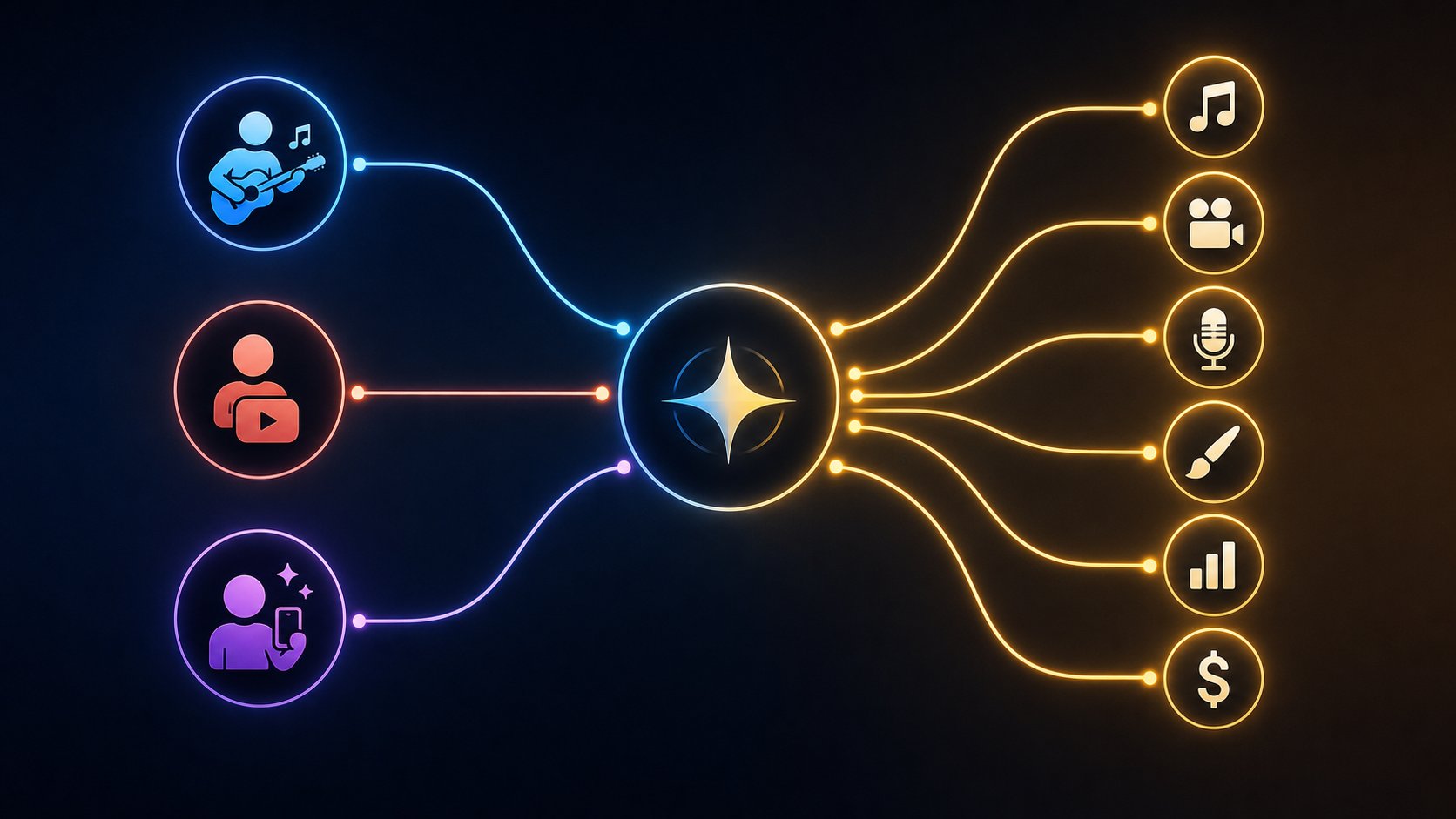
Not every creator has the same definition of "best." A solo artist releasing a single on Spotify needs something completely different from a label shopping broadcast-quality visuals to television sync supervisors. The best ai for music videos depends entirely on your use case — so here's the recommendation stack, ordered by accessibility and workflow fit:
- MakeBestMusic — Independent musicians, YouTubers, and social creators. If your workflow is "I have a finished song and I need a visual for it today," this is the most streamlined path. Upload your track, get a complete music video back without assembling fragments or learning prompt engineering. Its strength sits in the simplicity of song-to-visual conversion — ideal for artists focused on music promotion, YouTube channel content, and consistent release schedules rather than frame-level creative direction.
- Freebeat — Hip-hop artists and creators needing performer consistency. The tightest beat synchronization in the field, combined with character-lock features that maintain a performer's appearance across 80+ shots. If your genre demands lip-sync accuracy and culturally coherent environments, Freebeat handles that workload better than generalist tools.
- Neural Frames — Professional producers and labels seeking broadcast-adjacent quality. 4K output with frame-by-frame audio reactivity places this in the premium tier among best ai video generators for creative professionals 2026 has produced. The learning curve is steeper, but the output ceiling matches that investment.
- Kaiber — Electronic and experimental artists wanting distinctive aesthetics. If your music lives in psychedelic, abstract, or heavily stylized territory, Kaiber's visual identity becomes a feature rather than a limitation. Best for shorter clips and social content rather than full-length videos.
- Runway Gen-4 — Creators with editing expertise seeking maximum visual fidelity. The highest raw image quality, zero native music understanding. You're building a music video from cinematic fragments and handling all synchronization manually. Worth it only if you already have an editing workflow and want AI-generated footage as source material.
Matching Your Budget and Platform Goals to the Right Tool
Your distribution target shapes your tool choice as much as your genre does. Imagine you're posting vertical clips to grow a following — the best ai video generator for tiktok isn't the one with the highest resolution, it's the one that outputs 9:16 content synced to your track without requiring a separate editing step. Similarly, the best ai video generator for instagram reels needs fast turnaround and mood-matched visuals more than it needs 4K output that Instagram will compress anyway.
Here's a quick decision framework:
| Your Situation | Priority | Best Fit |
|---|---|---|
| Indie musician, $0-15/month budget, releasing singles | Full-song output, minimal learning curve | MakeBestMusic |
| YouTuber building a faceless music channel | Volume production, consistent style, direct publishing | MakeBestMusic or Freebeat |
| Social creator making short-form clips | Vertical format, fast generation, beat-matched edits | MakeBestMusic or Kaiber |
| Professional artist or label, $30+/month budget | 4K output, advanced control, broadcast potential | Neural Frames or Runway |
| Electronic producer wanting live visuals | Audio-reactive depth, abstract aesthetics | Beatviz or Neural Frames |
If you're exploring best free ai video generator apps 2026 options before spending anything, most platforms on this list offer functional free tiers. MakeBestMusic, Freebeat, and Kaiber all let you test outputs against your actual tracks before committing — which is the only evaluation method that matters. Demo reels show a tool's ceiling; your own test generation shows its floor.
The broader landscape of best free ai video generators 2026 continues expanding, but free doesn't always mean production-ready. Watermarks, resolution caps, and generation limits on free plans exist specifically to let you evaluate, not to support an ongoing release schedule. For consistent publishing — whether that's weekly YouTube uploads or monthly single releases — a mid-range paid plan from a music-first startup delivers significantly more value than cobbling together free-tier outputs from general tools.
The best ai music videos emerging right now share a common trait: they come from creators who matched their tool to their workflow rather than chasing the most technically impressive option. A stunning 4K clip means nothing if it took six hours to produce and doesn't sync to your chorus. A modest 1080p video that lands on beat, matches your aesthetic, and uploads directly to your channel? That's a release-ready asset. Choose the startup that makes your specific path from finished song to published visual as short and repeatable as possible — and let the output speak for itself.
